Turn Meetings into Actionable Deliverables
Notta Brain (previously AI Chat) cross-analyzes your meetings and documents, then creates infographics, slides and reports your team actually needs.
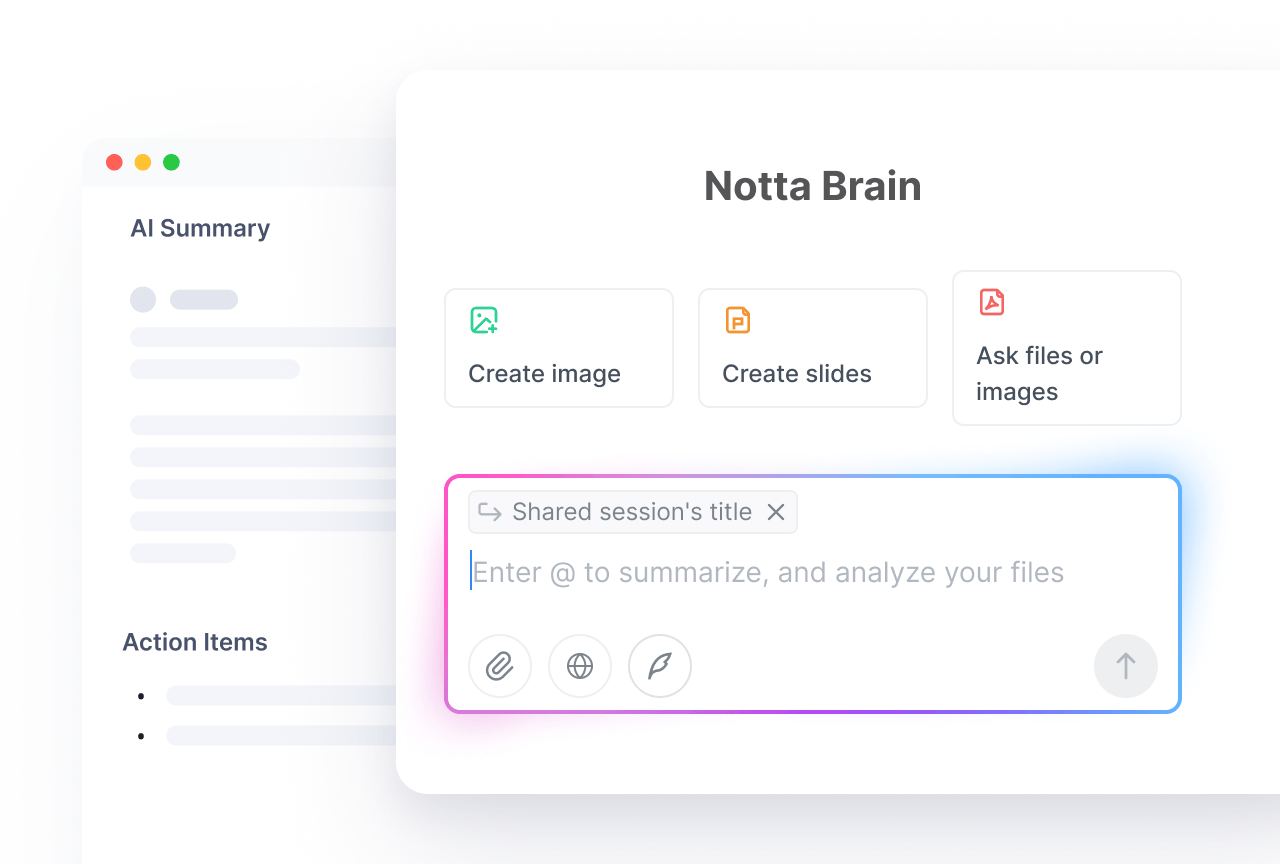
From Conversation to Deliverables
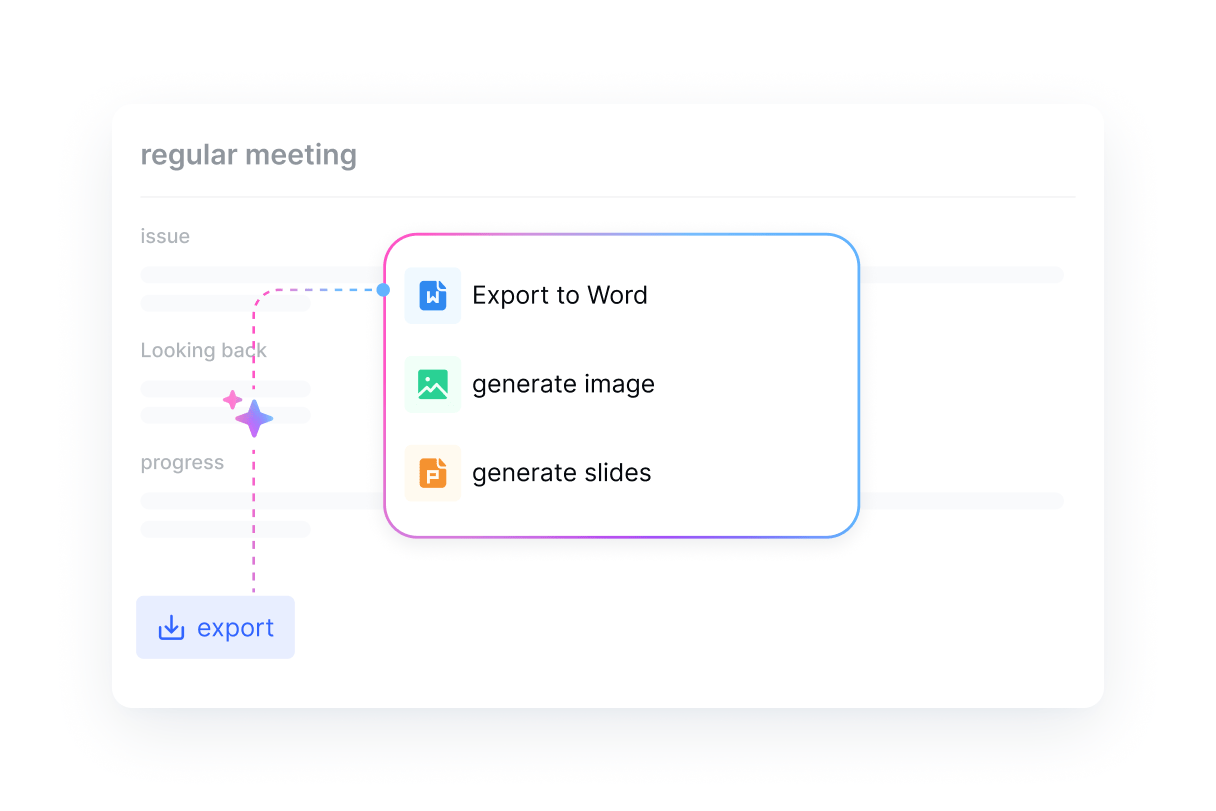
Generate Slides and Infographics in Seconds
Turn any meeting or document into presentation-ready slides and visual infographics automatically. Ready to be shared immediately
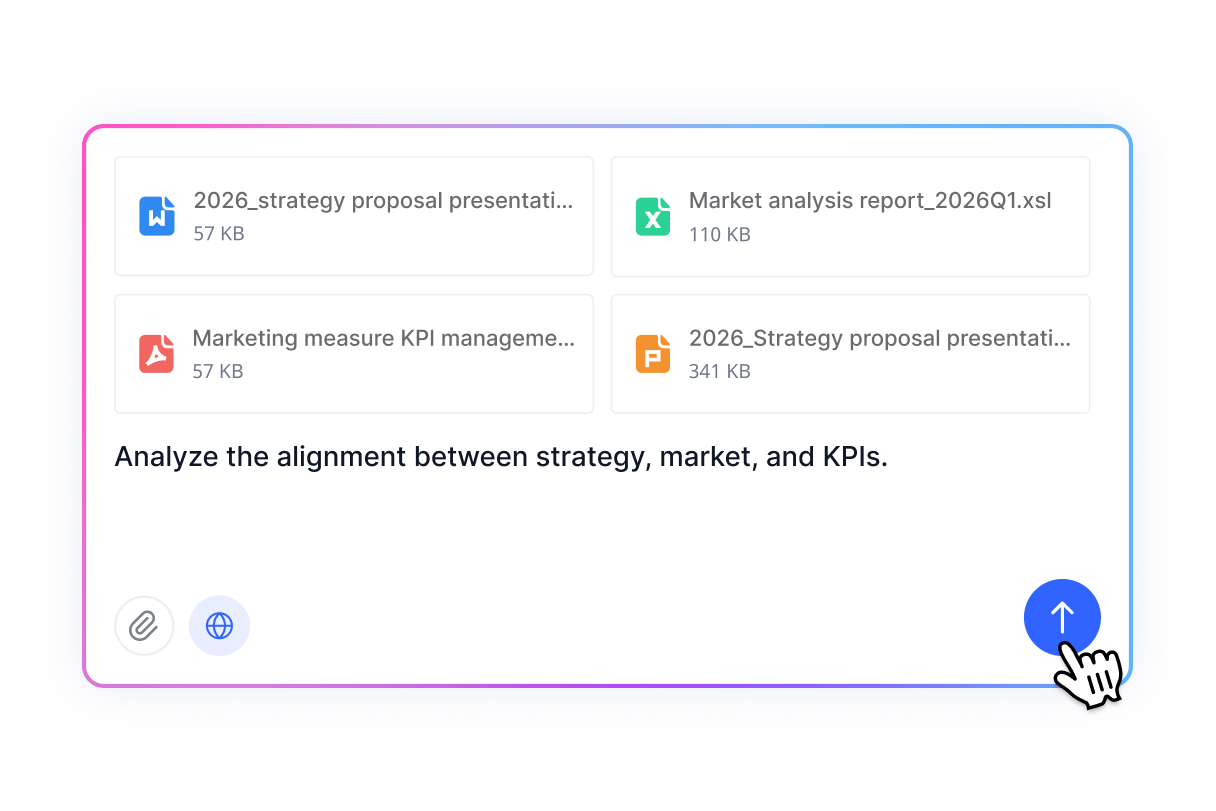
Analyze Across Meetings and Files at Once
Ask Notta Brain to analyze across all meetings. It spots the patterns, tracks the changes, and surfaces what matters most across weeks of discussions
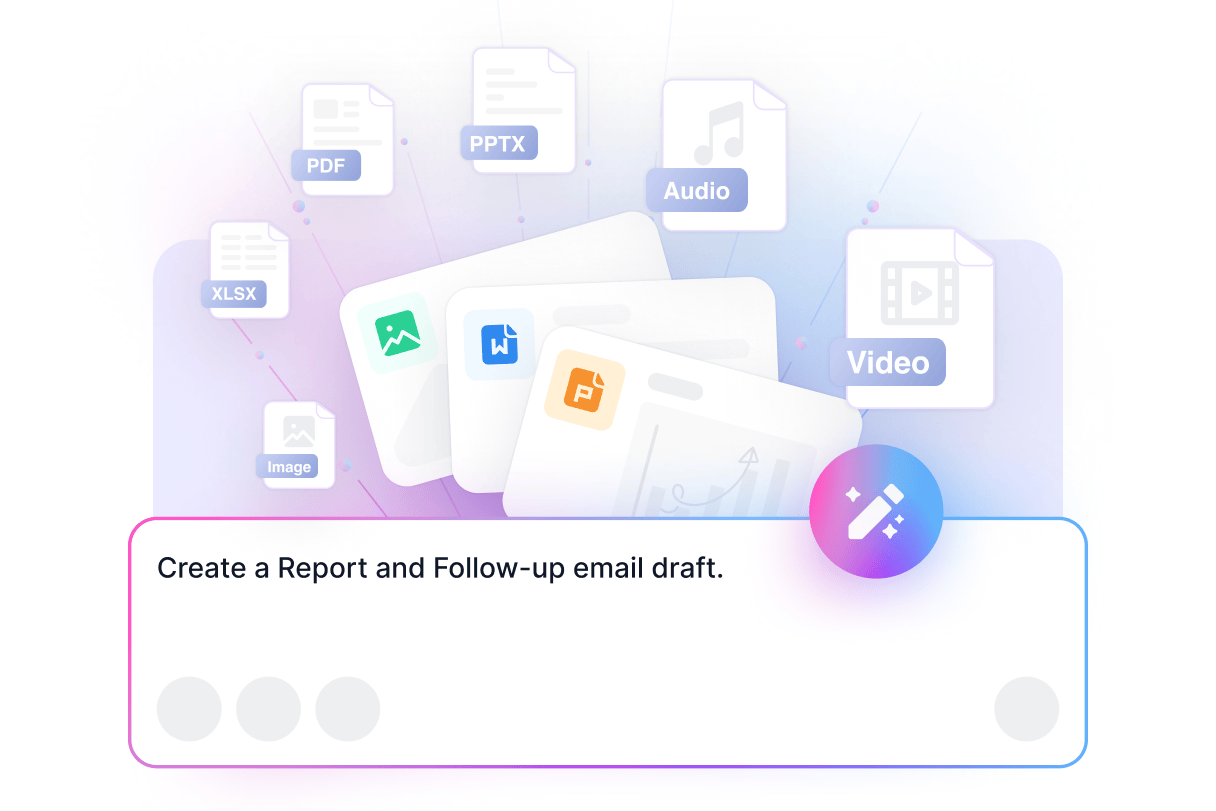
Real Work Deliverables, Not Just Summaries
Reports. Follow-up email draft. Executive summaries. Notta Brain generates the deliverables, not just raw summaries
How to Use Notta Brain
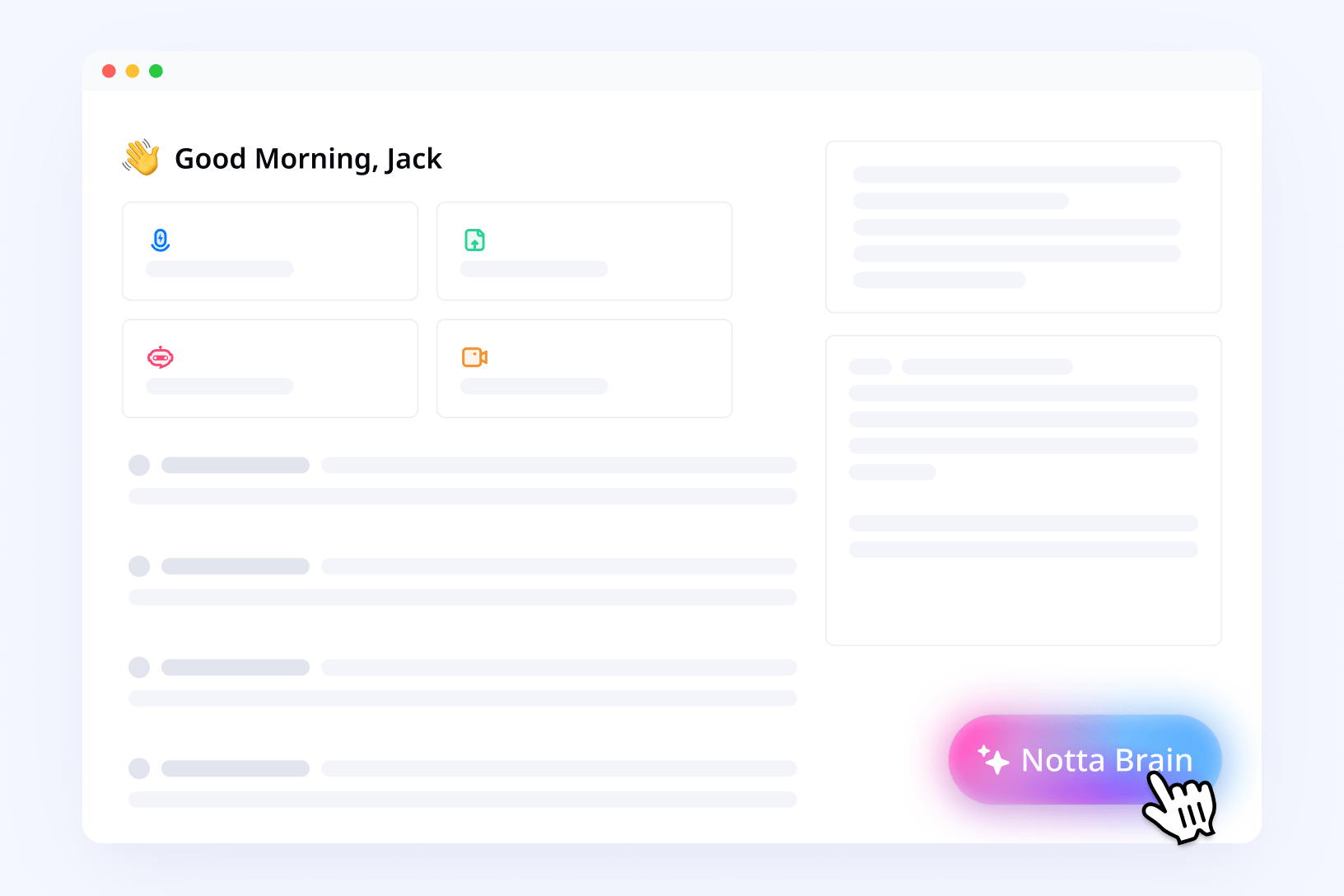
1. Access Notta Brain
Click the Notta Brain icon in the bottom-right corner or open it from inside any meeting file.
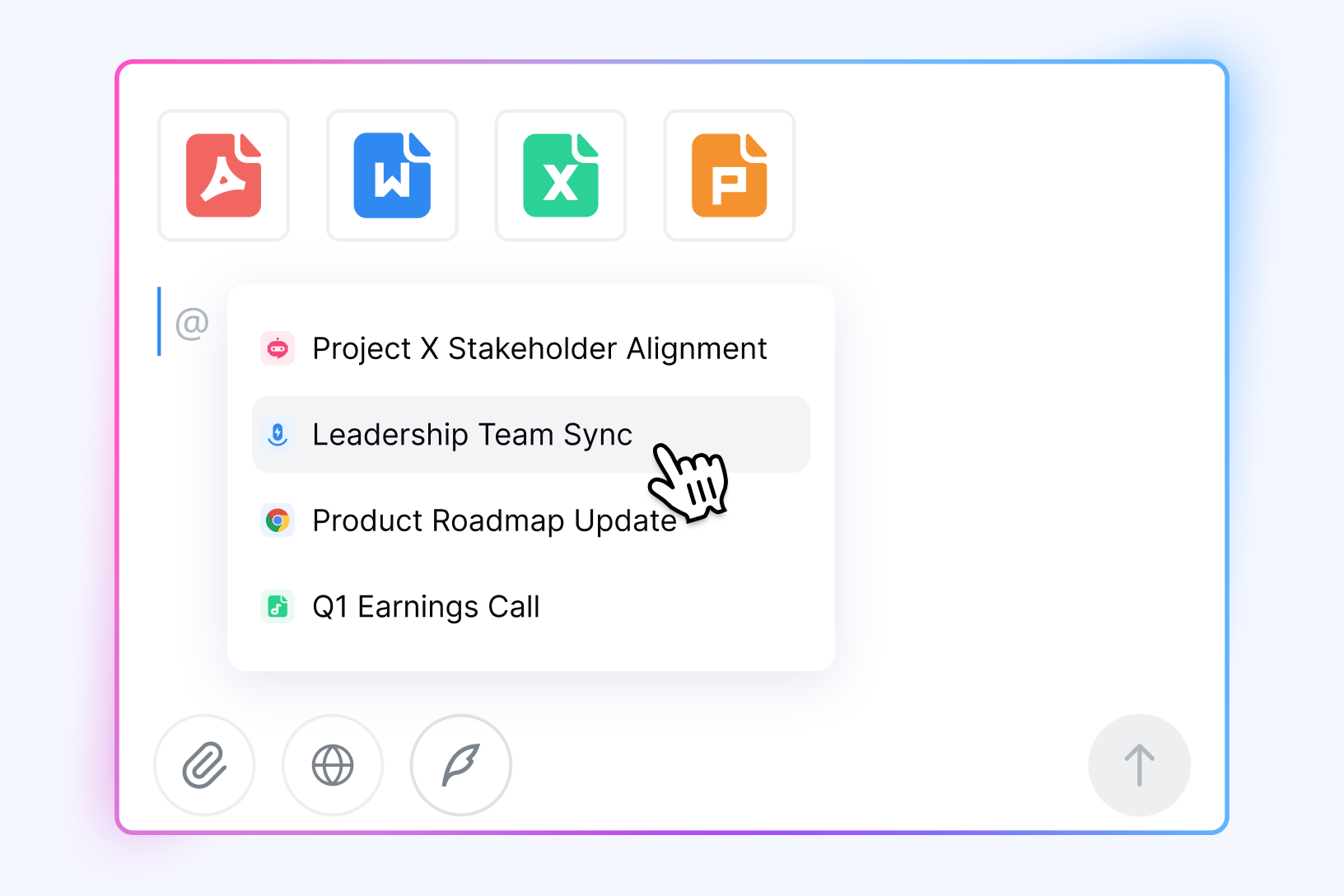
2. Reference Your Meetings and Files
Type @ to mention any meeting, PDF, Docs, or Excel file. You can reference a single recording or pull in multiple sources at once.
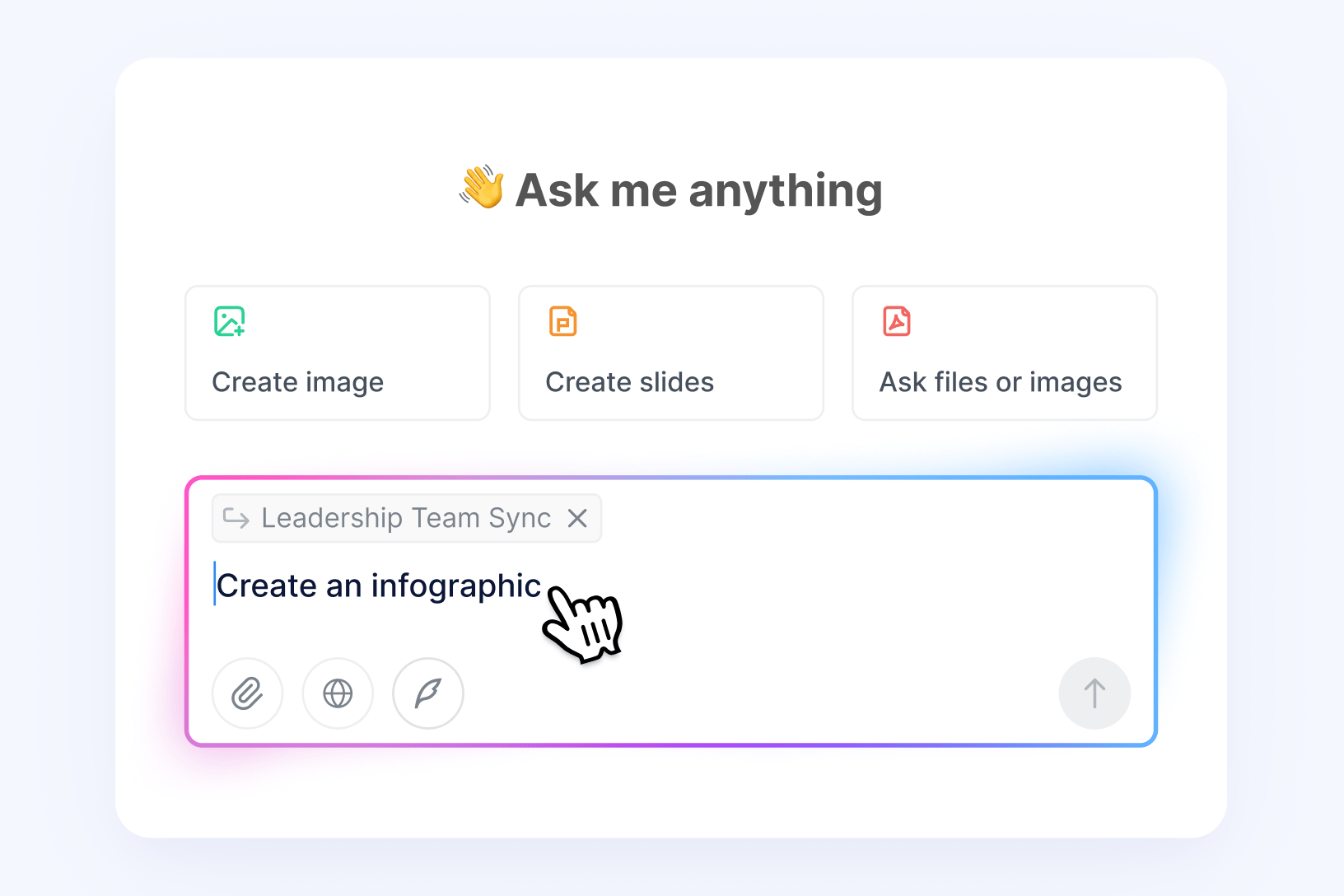
3. Ask Notta Brain Anything
Type your request: "Create an infographic,” “Draft a slide deck,” or “Compare this week’s syncs”—and Notta Brain handles the rest.
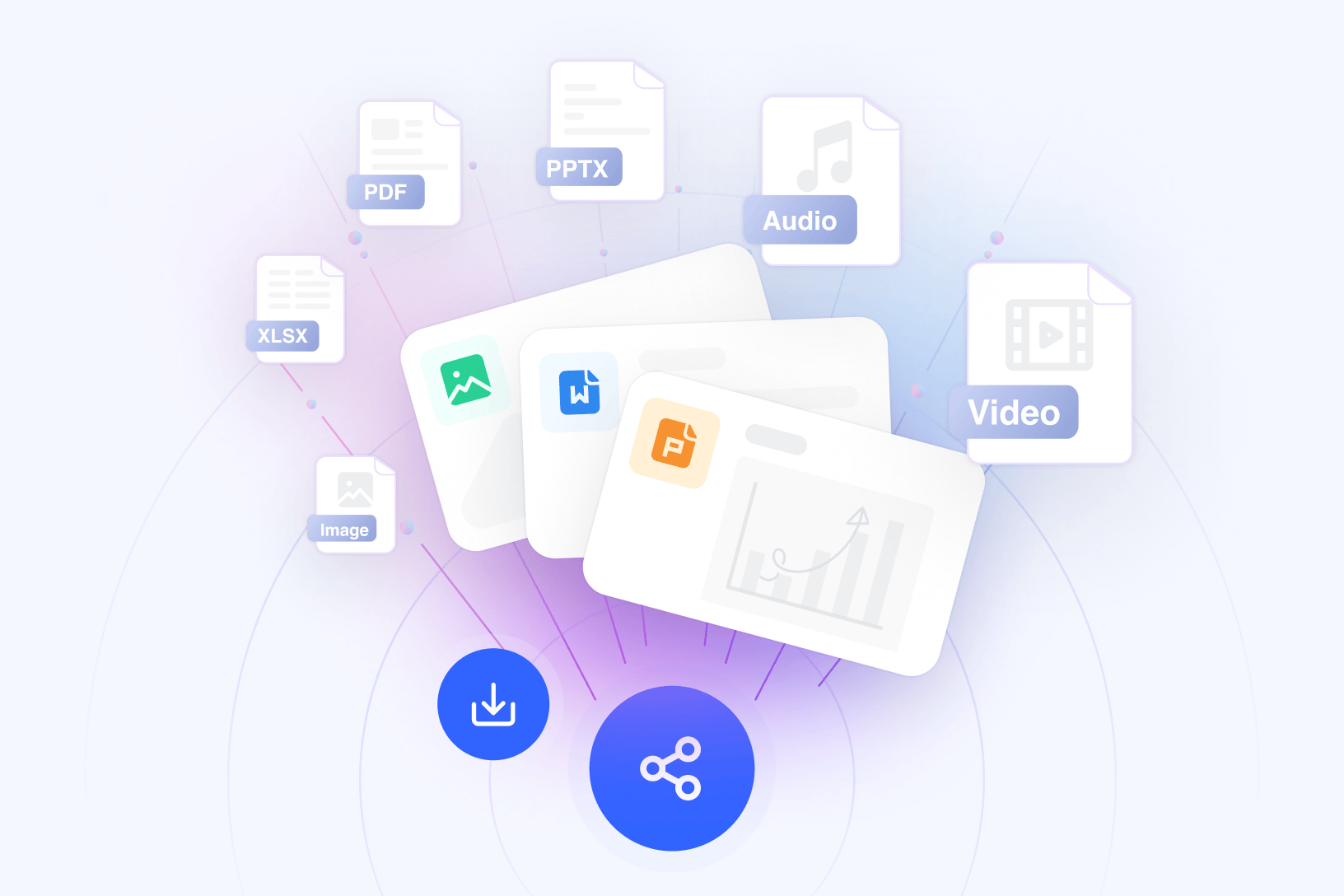
Use, Share, or Export
Copy your deliverable, export it, or share it with your team directly with one click.
1. Access Notta Brain
Click the Notta Brain icon in the bottom-right corner or open it from inside any meeting file.
2. Reference Your Meetings and Files
Type @ to mention any meeting, PDF, Docs, or Excel file. You can reference a single recording or pull in multiple sources at once.
3. Ask Notta Brain Anything
Type your request: "Create an infographic,” “Draft a slide deck,” or “Compare this week’s syncs”—and Notta Brain handles the rest.
Use, Share, or Export
Copy your deliverable, export it, or share it with your team directly with one click.



FAQs
Can I analyze across multiple meetings and files at once?
Yes. @mention any meeting transcriptions or transcription folder, PDFs, or Excel files as you need—Notta Brain analyzes all of them in a single conversation and surfaces what matters across every source.
How quickly does Notta Brain generate outputs?
Most deliverables—slides, reports, visual summaries, and emails—are generated in seconds. Even complex cross-meeting analysis typically completes in under 15 seconds.
Is my meeting data secure?
Absolutely! Notta is SOC 2 certified, GDPR compliant, and your data never trains our AI. What's said in your meetings stays in your meetings.
What file formats does Notta Brain support?
Notta Brain works with meeting transcripts, audio files (MP3, WAV, M4A), video files (MP4, MOV, AVI), PDFs, Word documents, and Excel files.
How is Notta Brain different from other AI meeting tools?
Other tools give you summaries. Notta Brain gives you finished work. It cross-analyzes multiple meetings and files at once, then builds the actual outputs your team needs, such as slides, reports, infographics, and more.
Your meetings have the answers. Just ask.
Start using Notta Brain to work faster, think clearer, and turn insights into infographics or slide decks.
