
![Best 10 AI Summarizers for Fast and Accurate Insights [2025]](https://www.notta.ai/pictures/71340a16-3654-4522-ad02-8b880d228d6a-032-notta-blog-0170a45d-aa44-4f7f-9298-dd2d418b7090.webp)
Best 10 AI Summarizers for Fast and Accurate Insights [2025]
Saving time and effort with Notta, starting from today!
As someone who spends most of the day in back-to-back meetings, AI summarizers save me an average of 6 to 8 hours every week. That’s an entire workday!
AI summarizers use natural language processing to condense documents, audio, and video into key points in 2-3 minutes. The three best AI summarizers in 2025 are Notta (98.86% accuracy for audio/video), ChatGPT (versatile text summarization), and Eightify (YouTube video summaries).
AI summary generators reduce information overload.These tools create short highlights of a 50-page document or a 1-hour audio recording in 5 minutes.
I’ve put together a list of the 10 best AI summarizers you can use to cut through even the most overwhelming content.
| Tool | Best For | Languages | Free Plan | Price | Key Feature |
|---|---|---|---|---|---|
| Notta | Transcribing & summarizing audio/video | 58 | Yes (10 summaries/mo) | Free, paid from $8.17/mo | Timestamped summaries & action items |
| Eightify | YouTube video summarization | 40+ | No (7-day trial) | $4.99/mo | Timestamped highlights & comment overview |
| Hypotenuse AI | Summarizing lengthy PDFs | 30+ | No, free trial available | From $19/mo | PDF uploads & multiple export formats |
| ChatGPT | Versatile text summarization | 50+ | Yes | Free, $20/mo (Plus) | Prompt-based summaries & task automation |
| HubSpot | Summarizing customer interactions | English | Yes | Free, Paid from $9/seat/mo | CRM-linked chat, email & call summaries |
| Semrush AI Summarizer | Summarizing long articles | English | Yes (3/day) | Free | Customizable length & format options |
| AI Summarizer | Summarizing selected on-page text | English | Yes | Free | Chrome extension with keyword focus |
| Frase | Short-form SEO content | English | No | From $45/mo | SEO-optimized content briefs |
| iWeaver | Summarizing books | Multi-language | Yes (3 AI insights/day) | From $9.99/mo | Tone customization & mind-map summaries |
| Scholarcy | Academic research & PDFs | English | 10 summaries | $4.99/mo | Flashcards, citations & data extraction |
| Grammarly | Writers & content creators | English | Yes | Free | Style-aware summaries & rephrasing |
Notta — Best for transcribing and summarizing audio/video
Eightify — AI YouTube video summarizer
Hypotenuse AI — Best for summarizing PDF
ChatGPT — Most versatile summary generator
HubSpot — Best for summarizing customer interactions
Semrush AI Summarizer — Best for summarizing long articles
Frase — Free AI summarizer for short-form content
iWeaver — Best for summarizing books
Scholarcy — Best AI summarizer for academic research
Grammarly — Best for content creators and writers
What to consider when choosing an AI summarizer?
When choosing an AI summarizer, prioritize transcription accuracy above 95%, ease of use with minimal setup, integration with your existing tools like Slack and Notion, customization options for summary length and focus, and strong data security with SOC 2 or GDPR compliance. Free plans should include at least basic summarization features for testing.
Accuracy: During the test, I evaluated how well each tool conveyed the core meaning of the source material. Summarizing always involves some loss of detail and nuance, so accuracy is crucial to preserve the original message.
Ease of Use: An intuitive and user-friendly interface can make a big difference in your overall experience. The tool should be easy to navigate with a minimal learning curve, even for first-time users.
Integrations: A great summarizer should fit into the rest of your workflow, so I've included summary software that integrates with other tools you already use (such as CRM systems, note-taking apps, and productivity suites).
Customization options: Some AI summarizers allow users to customize the length and focus of the summaries. If you need more control over what is emphasized in the summary, I’ve included tools with adjustable settings.
Data security: Since these tools require uploading private or confidential documents, I’ve prioritized software with strong data security measures in place.
What Are the Best AI Summarizers in 2025?
The best AI summarizers in 2025 are Notta for audio and video (98.86% accuracy, $8.17/mo, 58 languages), ChatGPT for text documents (versatile prompting, $20/mo, 95+ languages), and Eightify for YouTube videos (timestamped highlights, $4.99/mo, 40+ languages). These tools process content in 2-3 minutes, and most offer free plans with 3-10 monthly summaries.
In this section, we’ll explore each app, covering its strengths, weaknesses, and pricing so you can make an informed decision.
#1 Notta — Best for transcribing and summarizing audio/video
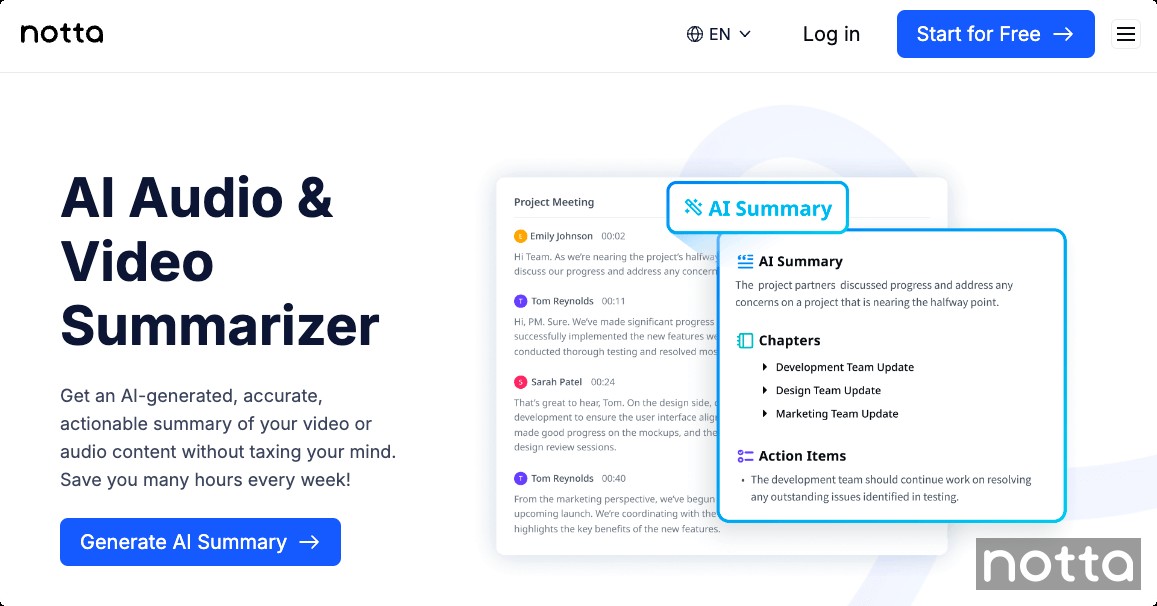
Notta is an AI notetaker that transcribes and summarizes on one platform. It turns your audio or video into accurate, searchable text, then delivers a clear summary without the need for multiple tools.
Whether you’d like to summarize a YouTube video, a user interview, a meeting recording, or a podcast, the Notta AI summarizer is your best choice. With transcription accuracy of up to 98.86%, it captures the full context of the original audio, so your summaries don’t miss any important details.
Once the summary is ready, you can make edits and share it via email or Slack to ensure the whole team is on the same page. It’s available as a Chrome extension, web app, or mobile app, so you can always access important highlights.
The summary comes with timestamps that link to the exact part of the recording, allowing you to easily reference the relevant sections without having to manually search through the entire file.
Key Features
Record and Transcribe Conversations: Use Notta to record and transcribe meetings, interviews, lectures, and more, so you can stay focused without missing important details.
Transcribe Audio/Video Files: Upload the recording or paste a Google Drive/YouTube URL, and you will get an accurate transcript in minutes.
Summary Templates: With Notta’s ready-made templates, you can quickly format your notes for any purpose. Select the template and watch as Notta transforms your raw notes into clean summaries.
Custom Summaries: Generate summaries using pre-built templates or define your own with custom prompts for more specific results.
Wide Integrations: Notta integrates with popular workplace tools like Notion, HubSpot, and Google Drive to automate your workflow.
Pros
Your data is 100% safe with Notta as it complies with SOC 2, GDPR, and other international regulations.
Notta can identify action items from the transcripts, making follow-up much easier.
You can use custom prompts to extract specific information.
Notta supports over 50 different languages.
Cons
Currently, there's no option to customize the length of the summary.
Summaries can be overly detailed.
Pricing
Free Plan includes 10 AI Summaries per month
Pro Plan: $8.17 per user per month
Business Plan: $16.67 per user per month
Enterprise Plan: Contact Sales
#2 Eightify — AI YouTube video summarizer
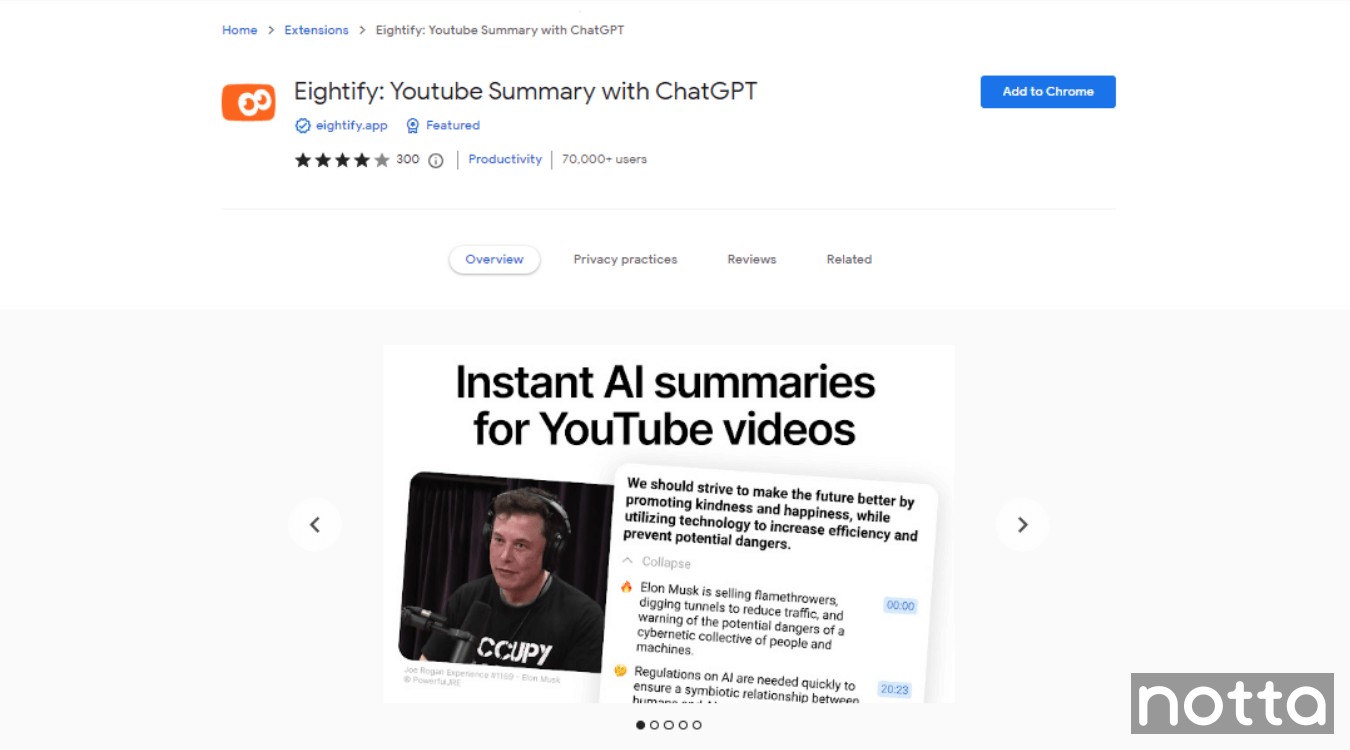
Eightify is an AI-powered tool that lets you summarize YouTube videos in seconds. To use it, install the Eightify extension, navigate to any YouTube video, and click the ‘Summarize’ button. Within a few minutes, you’ll get a concise summary that you can copy or share via a link.
Key Features
Timestamped Summary: Eightify includes specific time markers that indicate when key points or events occur. This allows you to quickly locate and reference important information.
Customized Length: This tool offers three summary length options: Short, Auto, and Detailed. You can choose one that best fits your needs.
Multilingual Support: Eightify supports 40+ languages, including English, Chinese, French, and Spanish.
Pros
It is available as a Chrome Extension and a phone app for both iOS and Android.
This tool provides an overview of the top comments to help you see whether others found the video useful.
Cons
Limited to summarizing YouTube videos.
The summary will always have 8 bullet points.
There’s no free plan available, only a 7-day free trial.
Pricing
Pro: $4.99 per month
#3 Hypotenuse AI — Best for summarizing lengthy PDFs
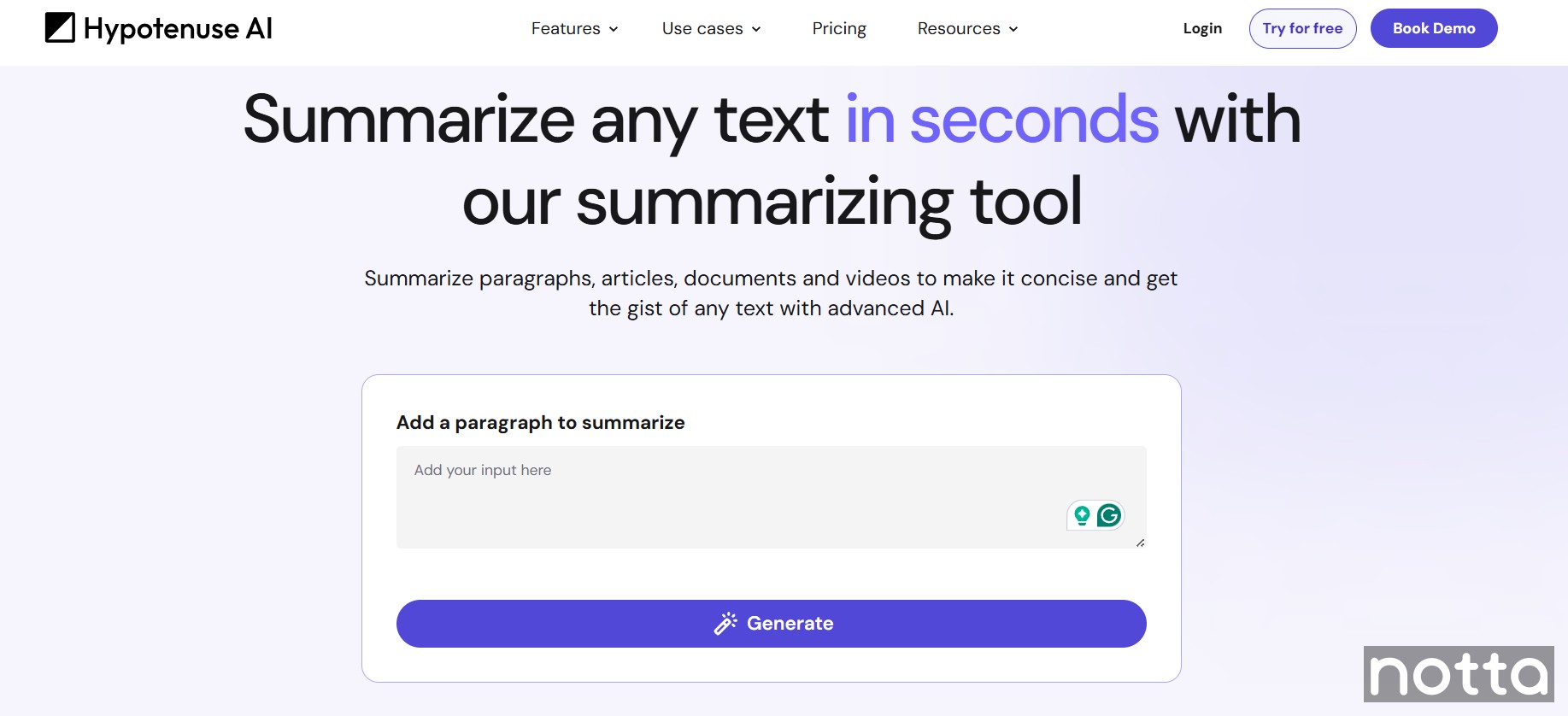
Hypotenuse AI is primarily an AI content platform for e-commerce and SEO teams, but it also includes a summarizing tool that works with PDFs. This feature lets you generate highlights of lengthy documents in either paragraph format or bullet points.
As a bonus, Hypotenuse AI also offers other tools like HypoDoc, HypoChat Anything, HypoArt, and more. The only drawback is the lack of a free plan.
Key Features
Generate Multiple Drafts: With Hypotenuse AI, you can customize the number of drafts you want to generate.
Multi-language Support: The tool can generate clear summaries in multiple languages, including Bulgarian, Chinese, Danish, Dutch, English, French, German, and even Japanese.
Various Export Options: The generated summary can be exported as PDF, DOCX, and even TXT files. It even allows you to publish the summary directly to WordPress.
Pros
Hypotenuse generates summaries in two forms: in paragraphs and bullets.
It supports summarizing PDF documents, web pages, and even direct YouTube videos via URLs.
Hypotenuse AI lets you upload images or embed links to the highlighted text.
Cons
Hypotenuse AI lacks a free plan.
The free trial comes with a limited number of credits.
Sometimes the output isn’t very accurate or original.
Pricing
Entry: $19 per month
Essential: $56 per month
Blog Pro: From $150 per month
Blog Custom: Custom pricing
#4 ChatGPT — Most versatile summary generator
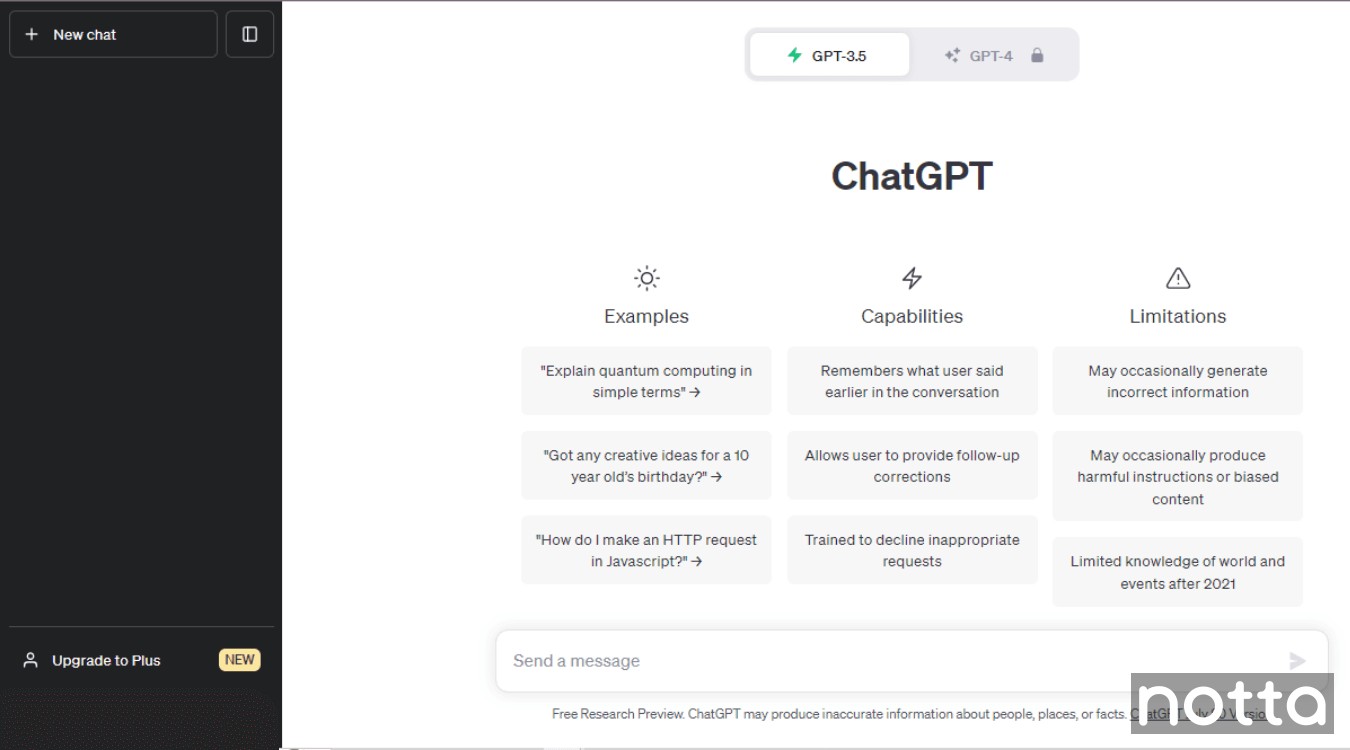
ChatGPT hardly needs an introduction. This AI chatbot supports over 500 million active users each week with various tasks, and it’s also an effective text summary generator.
To generate a summary, paste your content into the chat and use a prompt like 'Summarize this in 200 words.' You can also tweak your prompt to get different results.
For a more advanced approach, OpenAI recently introduced the ChatGPT agent that completes tasks outside the chat. For example, you can ask it to summarize content from a YouTube video without having to copy or transcribe it manually.
Keep in mind that ChatGPT’s agent features are only available to paid users. You can only summarize text-based inputs on the free version. If you want to summarize audio or video, a specialized summarizing tool like Notta is a better choice.
Key Features
Process Long Text Documents: ChatGPT can understand and process lengthy text, so it’s a good choice for large volumes of information.
Versatile: Whether you want to create short paragraphs, lists, or bullet points, ChatGPT can adapt to the format you need.
Identify Key Points: It highlights important information from the entire document.
Pros
You can adjust the summary by using different prompts.
The plugins and extensions available extend ChatGPT's functionality.
Cons
ChatGPT generates inaccurate summaries if there’s no clear context.
It requires specific prompting to create the correct summary output.
Pricing
Free plan available
ChatGPT Plus: $20 per month
#5 HubSpot — Best for summarizing customer interactions
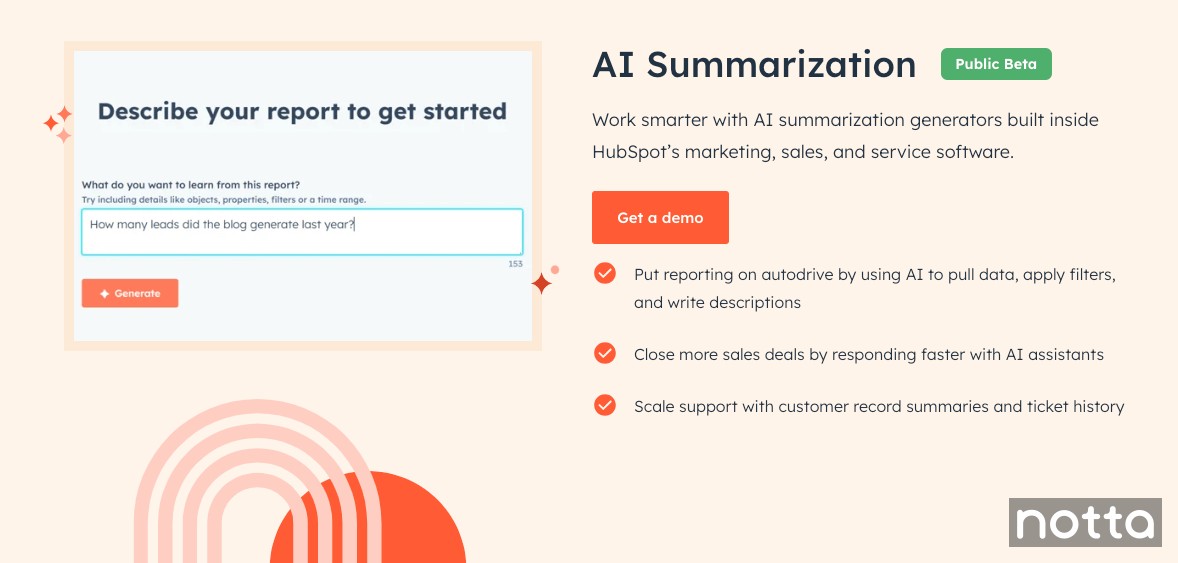
With HubSpot AI Summarization, you can summarize customer interactions from emails, chats & calls to improve your sales tactics. It’s easy to share these summaries with your team or other departments, saving time and reducing the need for manual note-taking.
Insights from customers are valuable for any business, especially for sales professionals. The insights you gain from summaries can also inform marketing campaigns and help create content that resonates with your target audience.
They're also useful for customer support teams. When one agent transfers a chat, the summary helps the next agent quickly get up to speed before responding to the customer.
Key features
Customer Summaries: Summarizes customer chats, emails, and calls.
Detailed insights:Helps youcreate a clear overview of a customer’s interaction with your business.
Pros
Reduces the time you spend on manual note-taking
Gives you a clear understanding without reading through every message
Helps spot important information
Cons
Might miss nuances or context in complex conversations
It could lead team members to rely too heavily on summaries instead of full interactions
Accuracy can vary depending on the complexity of interactions
Pricing
Free
Starter: $9 per seat per month
Professional: Starts at $800 per month
Enterprise: Starts at $3,600 per month
#6 Semrush AI Summarizer — Best for summarizing long articles
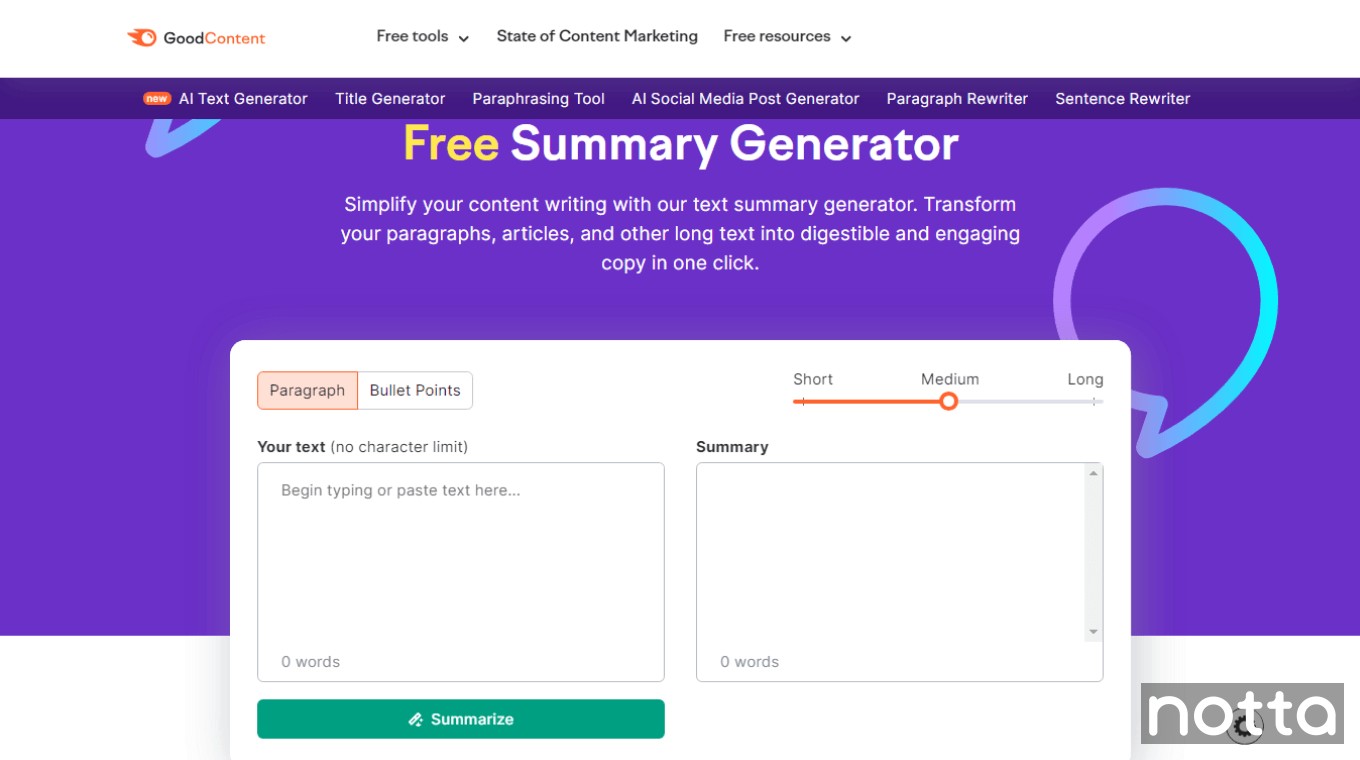
Semrush AI summarizer is a great option if you're looking for a free summary maker. Some of the free apps I tested have a character or word limit, but Semrush doesn’t, so it's a great choice for long documents.
All you have to do is paste your content into the input box and click ‘Summarize’. You can also customize the format by choosing between paragraph or bullets, and selecting a short, medium, or long summary.
It’s also one of the few tools that work without requiring you to log in to your account. If you need a quick, one-off summary, Semrush gets the job done. That said, it’s limited to three uses per day and doesn’t offer any advanced features.
Key Features
Customizable Summary Format: Semrush lets you generate summaries in either paragraph form or bullet points.
Adjust Summary Length: With a simple slider, you can generate summaries in different lengths, ranging from short to long.
No Character Limit: Unlike some other tools in this list, Semrush comes with no character limit.
Pros
It’s free to use and doesn’t require sign-up.
You can use Semrush without worrying about the character limit.
It works well for summarizing both short and long-form content.
Cons
You can’t paste links or upload files from your devices.
It’s only available in English.
It doesn’t offer advanced features like other tools.
Pricing
Free
#7 AI Summarizer: Best for summarizing only the selected text
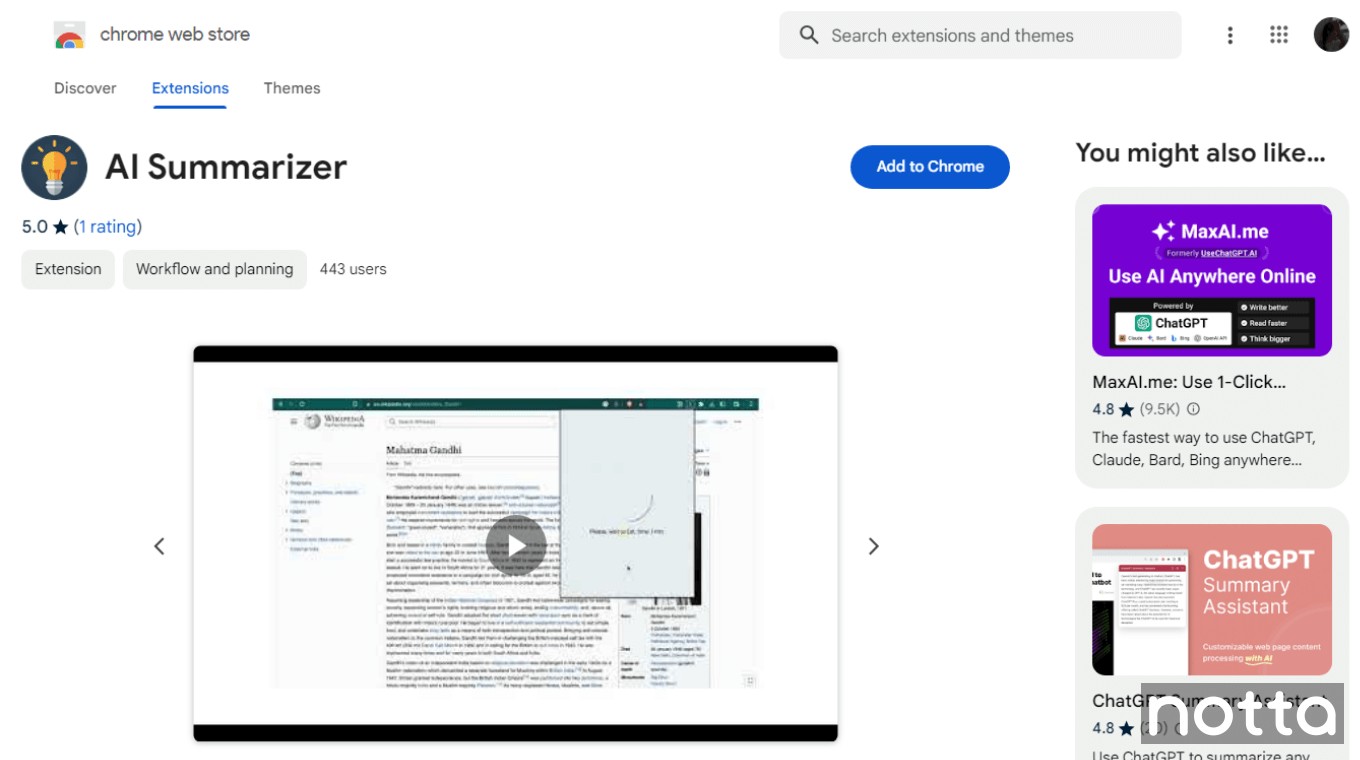
AI Summarizer is a free Chrome extension that lets you summarize the entire page or specific sections. It’s an open-source project that uses ChatGPT’s advanced AI technology to create instant, customizable highlights.
It made our list due to its ability to set keywords. For example, if you’re reviewing an academic paper and set a keyword like “photosynthesis”, the summarizing tool will focus the output on that specific topic. It’s helpful for exam prep since it can extract a particular subject from the original text.
However, the project is still in its early stages, so it has accuracy issues. You also can’t upload files from your device.
Key Features
Set Summary Length: AI Summarizer helps you adjust the summary length in words or characters.
Summarize in Bullet Points: You can condense the information into a few bullets in one click.
Free API Key: It allows you to connect your own ChatGPT API key to generate unlimited summaries.
Pros
The summarizing tool is easy to set up and use.
You can choose to summarize specific sections instead of the entire page.
Adding keywords lets you prioritize specific topics.
Cons
The free Chrome extension is currently in its first release, so it may have unexpected bugs.
You'll need an OpenAI account to create a free API key.
The tool does not come with any advanced features like real-time transcription.
Pricing
Free
System Compatibility
Chrome Extension
#8 Frase — Free AI summarizer for short-form content
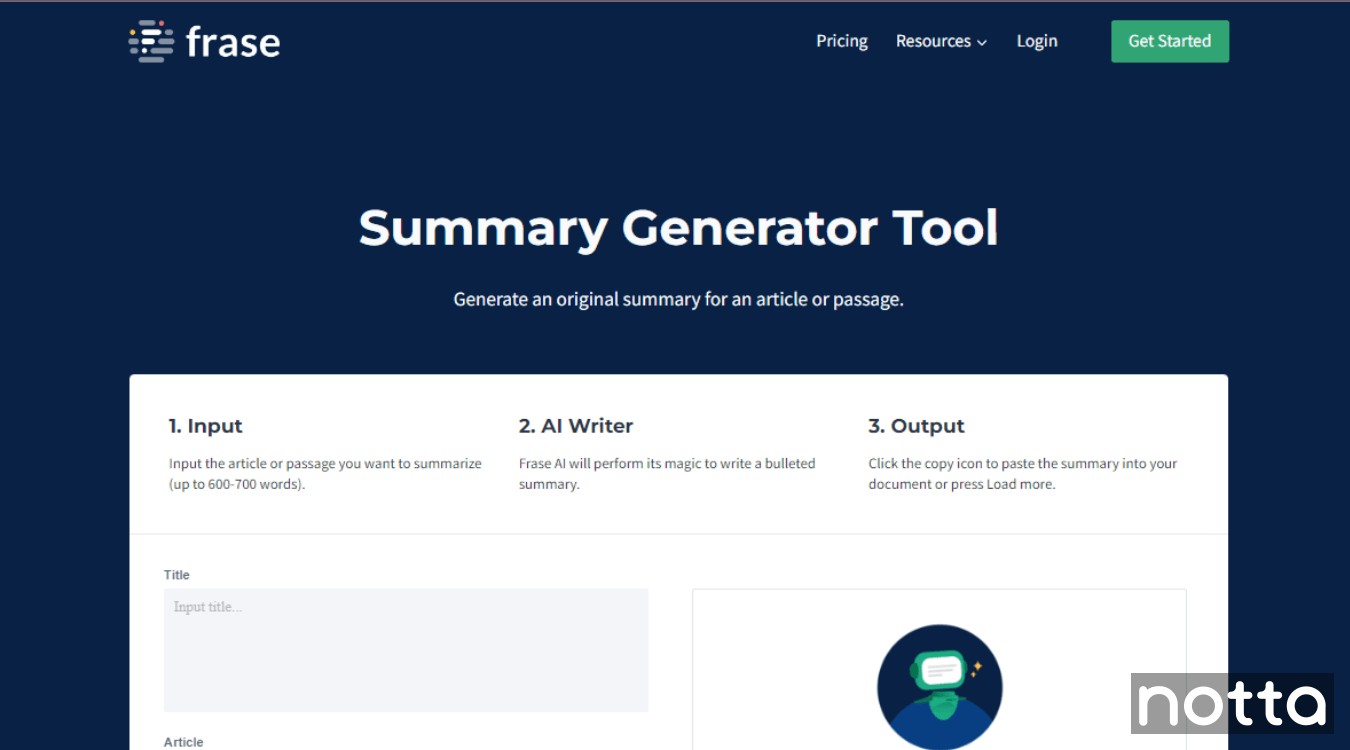
Frase AI summarizer uses its proprietary AI model to help you create summaries in under 5 minutes. It’s a great option for marketers and content creators because it’s designed to create SEO content that reflects search intent.
Frase also offers built-in keyword research tools and integrates with Google Search Console, so you can track performance without leaving the platform.
Even though the tool is easy to use and works efficiently, it has a downside. You can only summarize an article if it's less than 600-700 words long. You need a tool with more advanced features if you need to summarize lengthy research papers or technical documents.
Key Features
Quick Turnaround: The AI summarizer tool condenses the content in minutes, saving time and effort.
Integrations: Frase integrates with Google Search Console, Google Docs, and WordPress.
Sentence Rewriter: This option lets you rephrase sentences instead of summarizing them.
Pros
The summary generator lets you generate full-length, SEO-optimized content briefs in only a few seconds.
It is an easy-to-use tool with an intuitive, minimalistic dashboard. Bonus: it’s ad-free.
It also has a free title, slogan, and meta description generator for blog posts that makes content creation easier.
Cons
Sometimes the answer engine includes content from spam pages.
Frase does not offer a lot of customization options.
Pricing
Pay-as-you-go Option
Starter Plan: $45 per month
Professional Plan: $115 per month
Enterprise Plan: Custom pricing
#9 iWeaver: Best for summarizing books
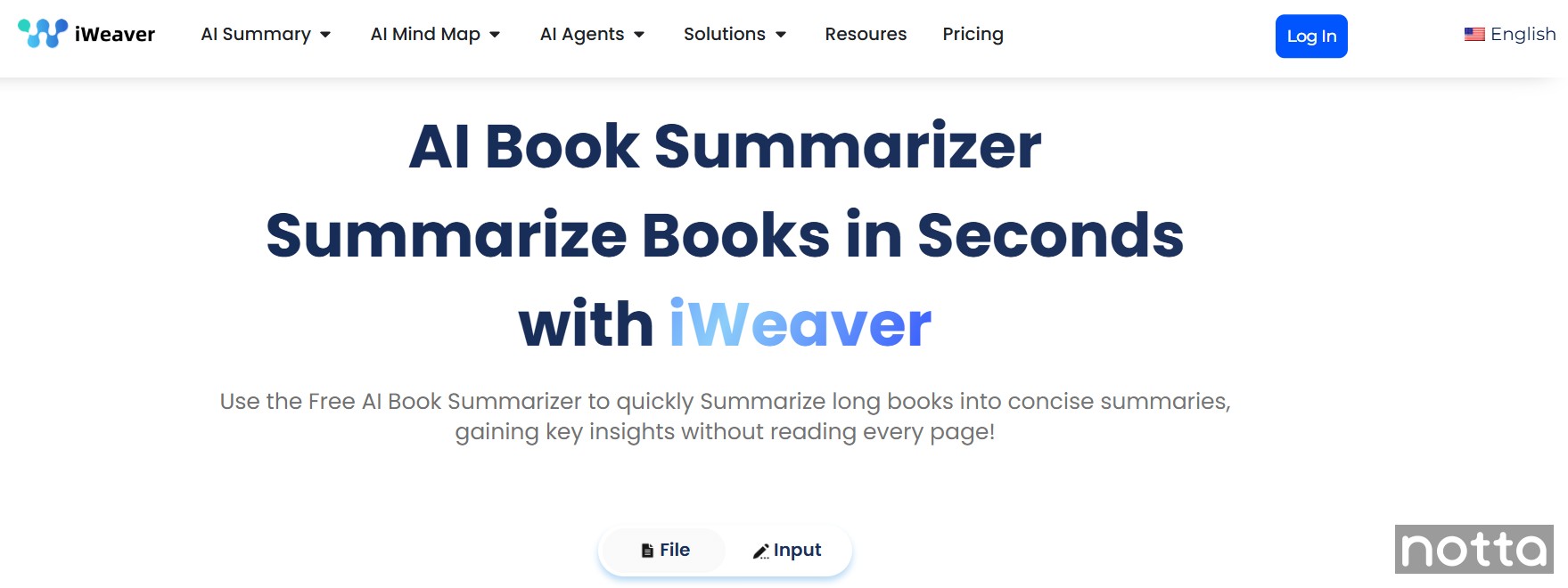
iWeaver offers a variety of summarizing tools, but the Book Summarizer is my favorite. You can upload a PDF file directly from your device, or enter the book title and author, and the tool will automatically highlight the main points.
It’s one of the few tools from the list that lets you choose the tone of the summary, like clinical, informal, or sarcastic. This neat feature allows you to customize summaries for different audiences. For example, if you’re writing a book review, choose a sarcastic tone to add humor.
It works well for both fiction and non-fiction, but it lacks a “no spoiler” option.
Key Features
Multi-format Support: You can upload files in multiple formats, including PDF, DOCX, DOC, and PPTX.
Flexible Summary Types: The tool supports full-book, chapter-by-chapter, or deep concept summaries.
Visual Mind Maps: The AI Mind Map feature helps you visualize key concepts, which I found helpful for educational books.
Pros
It’s browser-based and works well on both desktop and mobile.
It can process complex technical content with decent accuracy.
You can upload up to 20 files at once, and there’s no character limit.
Cons
You’ll prefer other tools to summarize PDF files if you’re not an avid reader.
You can’t prevent the AI from spoiling big plot points.
The generated summaries sometimes miss important elements from the books.
Pricing
Free plan available with unlimited document uploads
Professional Plan: $9.99 per month
Unlimited Plan: $29.99 per month
#10 Scholarcy — Best AI summarizer for academic research
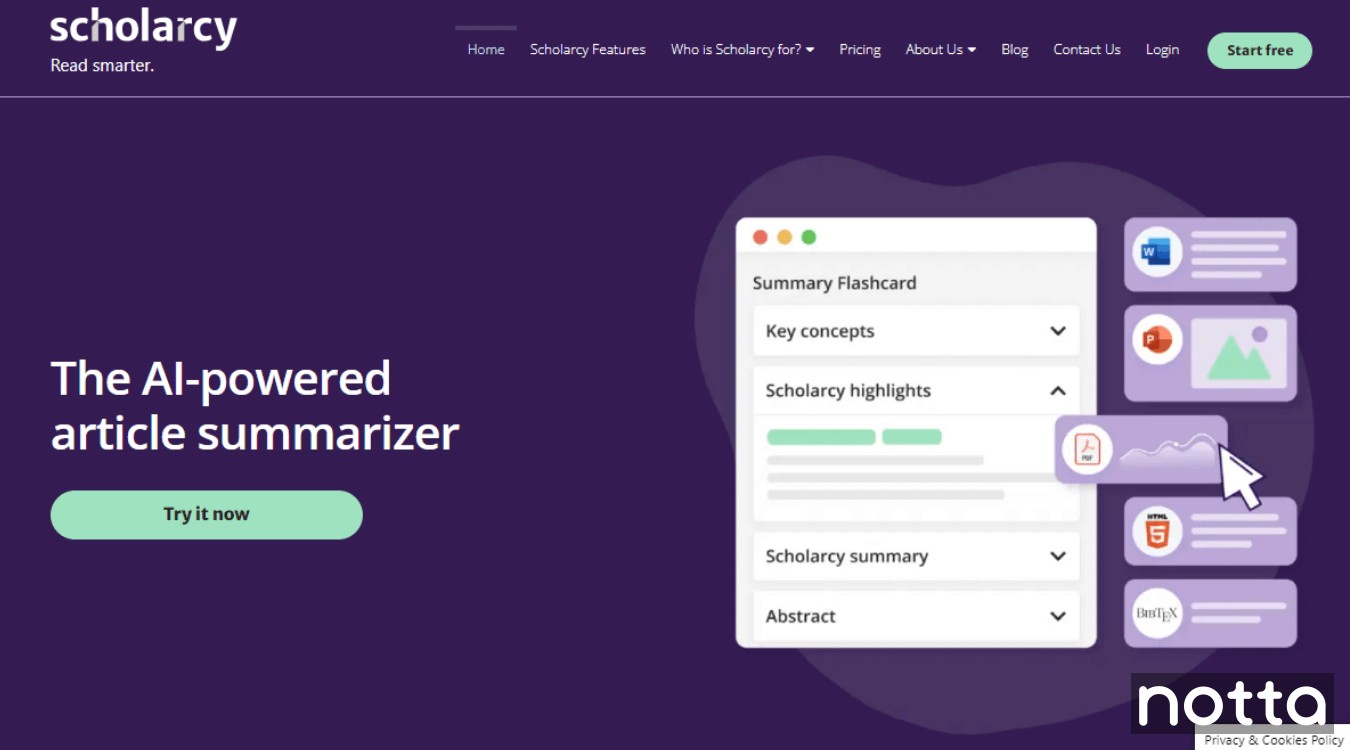
The Scholarcy summarizer is designed specifically with students and researchers in mind. It’s ideal for summarizing lengthy academic papers, books, or journal articles.
While testing different AI summarizers for this guide, I found Scholarcy to be useful for long documents and PDF files because of its flashcard feature. It’s great if you’re a visual learner or if you’re trying to recall information while preparing for an exam.
Key Features
Summary Flashcard: Scholarcy has the option to scan documents and generate flashcards, which are helpful for students and other visual learners.
Browser Extensions: It has free browser extensions for Chrome, Edge, and Firefox, with Safari support coming soon.
Research Quality Indicator: This feature helps the AI judge the quality of your work.
Pros
Scholarcy offers advanced features tailored to academics, like flashcards, citation extraction, and library management.
It offers various customization options like summary length, language variation level, and the number of highlights.
You can extract tables, figures, and other important data from the summary to Excel.
Cons
There’s a steep learning curve, and it’s easy to be overwhelmed by all the features.
You can’t use it without a stable internet connection.
The free plan has a limit of 10 summaries.
Pricing
Browser Extension and Flashcards: Free
Paid Plan: $4.99 per month
#11 Grammarly — Best for content creators and writers
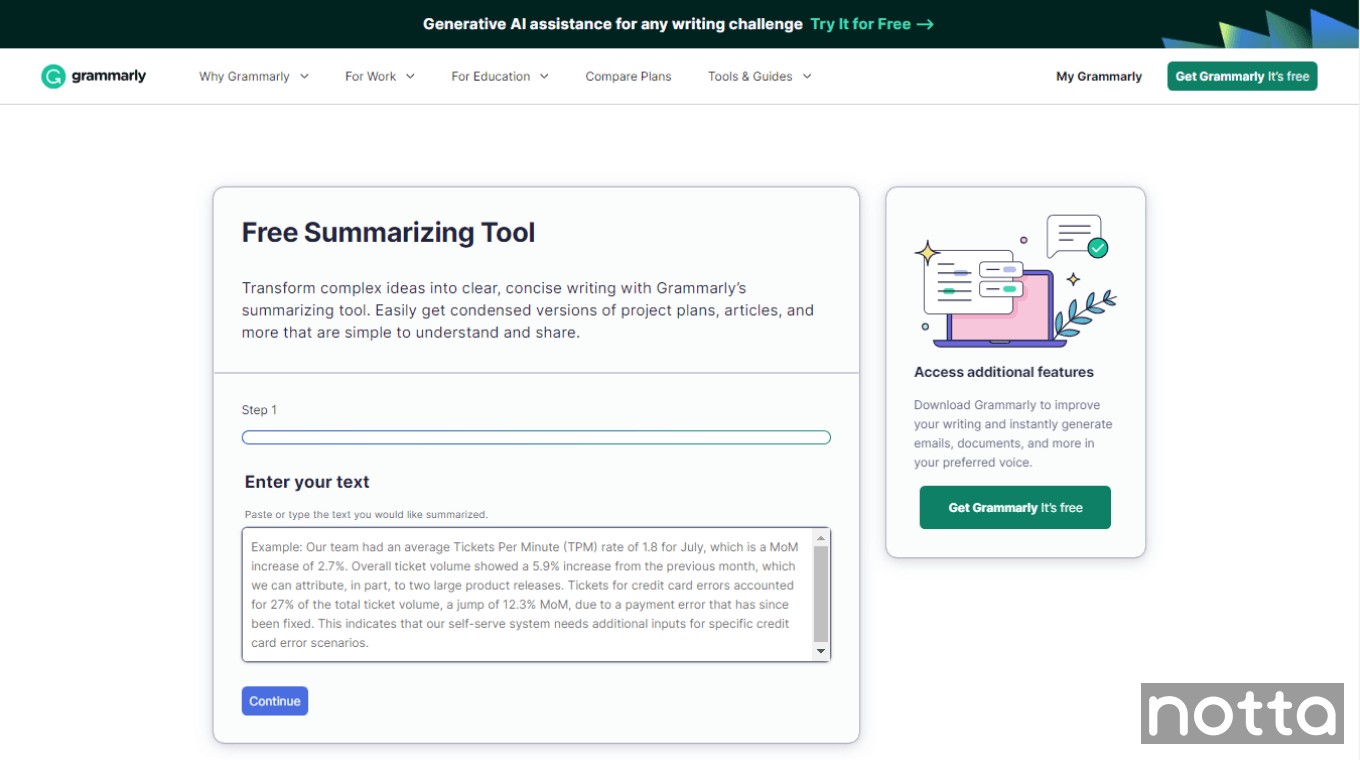
Ask anyone to name an AI writing assistant, and most people name Grammarly. Used by over a million people worldwide, Grammarly has long been the go-to writing and editing tool at most companies.
If you're used to Grammarly for checking writing and spelling errors and you are reluctant to invest in other software, consider Grammarly's free online summarizer tool.
Grammarly’s tool is easy to use. All you have to do is copy and paste the text you want to summarize, choose the output format, and your preferred writing style. However, there’s a 3000-character limit, so it’s mainly useful for emails and shorter articles.
Key Features
Writing Style: Grammarly has plenty of customization options for writing style (formal, informal, or a mix of both) to tailor the summary.
Rephrase Text: GrammarlyGO (Grammarly's AI tool) lets you rephrase sentences directly in the editor.
Handy Browser Extensions: Grammarly offers extensions for Chrome, Safari, Microsoft Edge, and Firefox that provide real-time writing suggestions on different apps like Gmail, Google Docs, LinkedIn, or Twitter.
Pros
Grammarly lets you set the tone of the summary before hitting the generate button.
The editing and spelling checker ensures the summary is clear and free from errors.
You can set the formality, length, and tone of the text.
Cons
While Grammarly's summarizer is a good starting point, it takes a few minutes to condense even a short amount of text.
You need to sign up for Grammarly to create high-quality summaries of emails, articles, and lengthy reports.
There's no option to transcribe audio or video files.
Pricing
Free
Which AI Summarizer Should You Choose?
Whether you're looking to condense long reports or pull key insights from meetings, the 10 AI summarizers I’ve reviewed here offer something for everyone. However, the Notta AI summary generator stands out as the best.
It can save you countless hours and keep you ahead of your ever-growing to-do list, thanks to features like audio and video transcription, speaker identification, support for 58 languages, and customizable summaries.
Whether you're summarizing a Zoom call, YouTube video, or PDF file, Notta delivers fast, accurate results that help you stay ahead of your to-do list.
FAQs about AI summarization tools
How does an AI summary generator work?
An AI summary generator works by using natural language processing (NLP) and machine learning algorithms to analyze text and highlight key points. These tools identify main ideas and deliver a concise version that retains essential information, saving you time while maintaining the text's core meaning.
Is there an AI that can summarize a PDF?
Yes, several AI tools can summarize PDFs by extracting key insights and condensing the content into shorter, more digestible summaries. Popular AI-powered tools that can summarize PDFs include Notta, Eightify, and Hypotenuse.
Can ChatGPT summarize a video?
No, ChatGPT can’t summarize a video directly. You can’t upload video files to ChatGPT, and its agent feature only works when a transcript already exists online. Use the Notta AI summarizer to transcribe the video first, then paste the transcript into ChatGPT to generate your summary.

