
Private meetings. Local transcripts.
Record sensitive conversations on your computer, turn them into transcripts locally, and keep the audio, notes, and files where you control them.
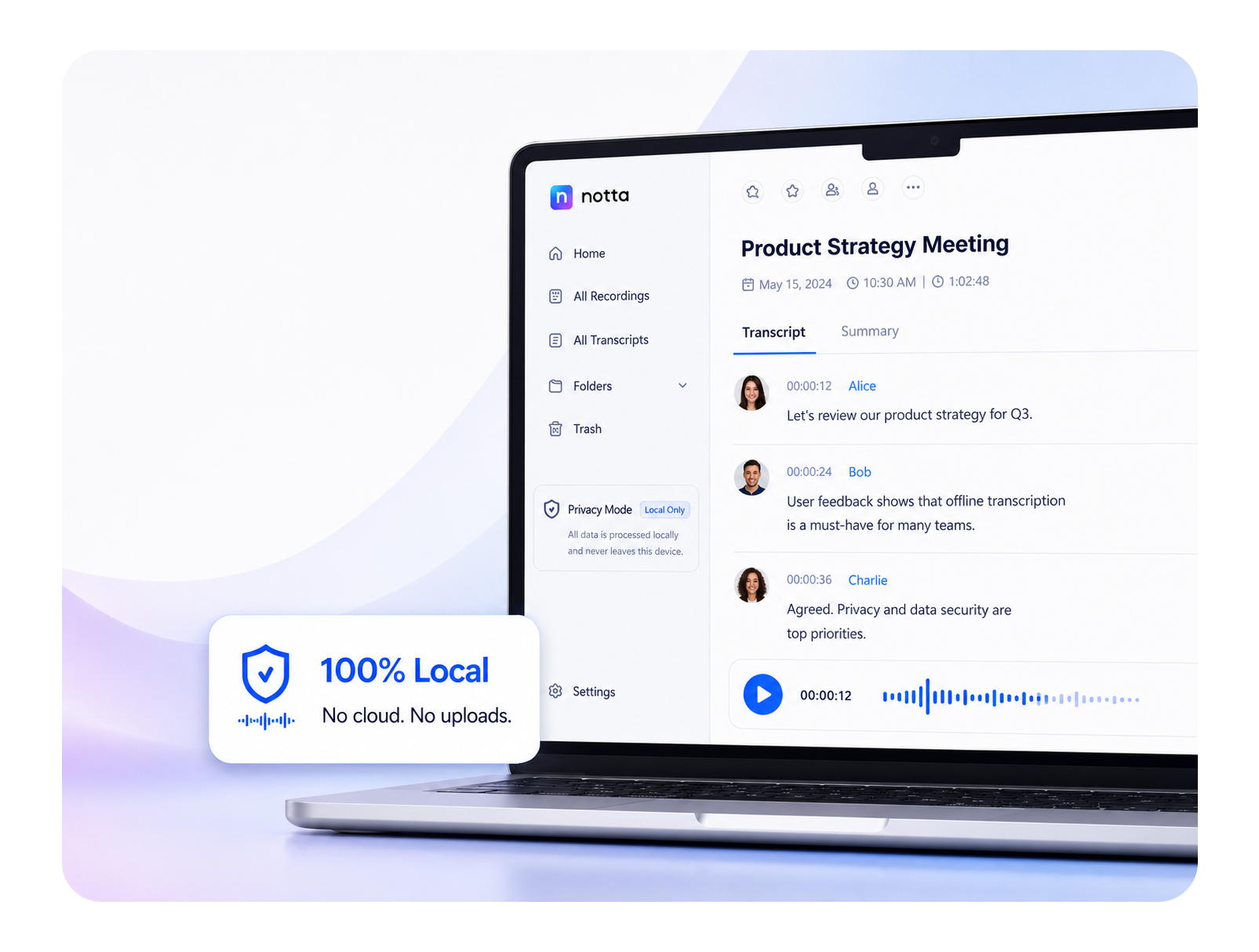
What Notta Desktop Privacy Mode Does
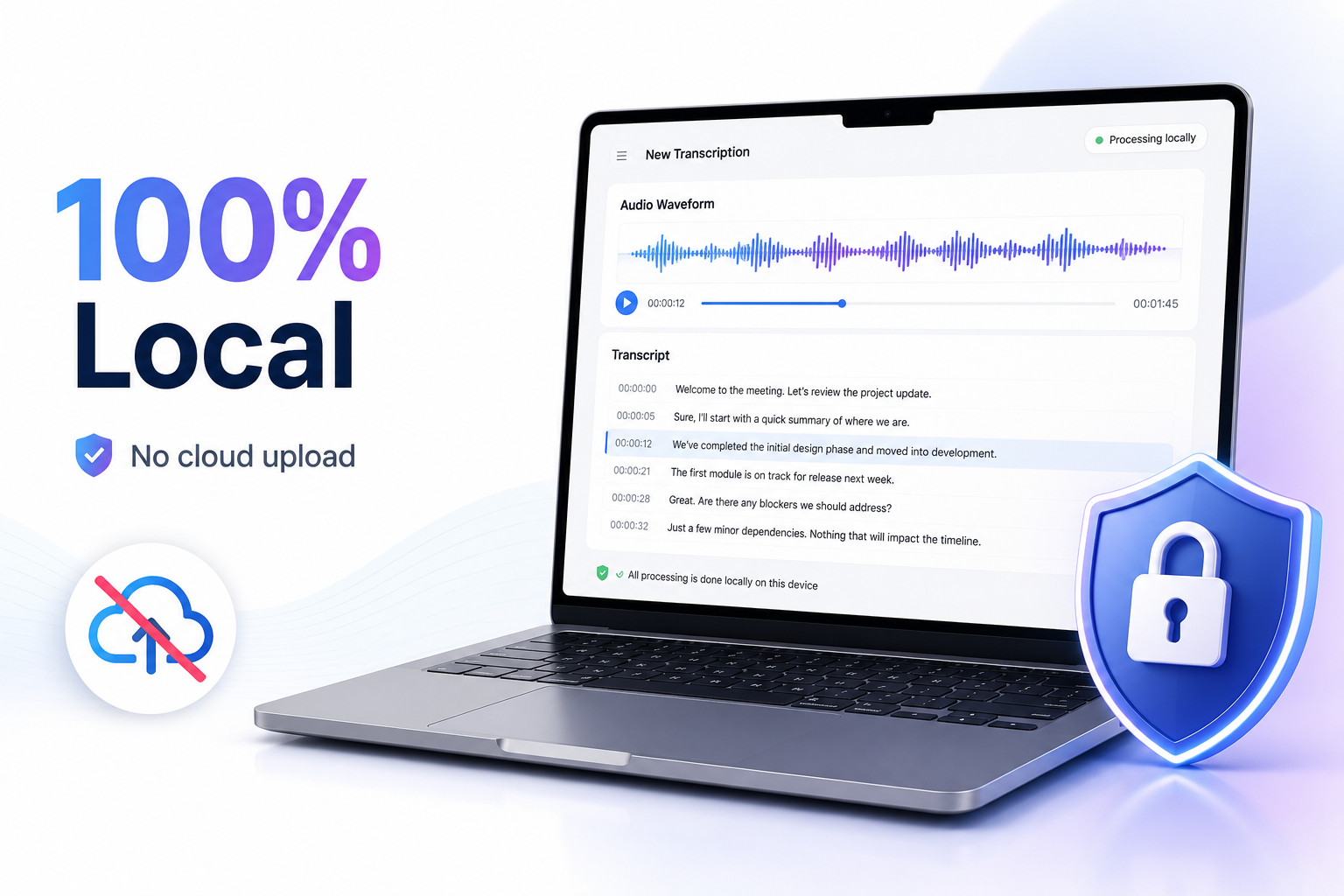
Local transcription. No cloud processing.
Privacy Mode transcribes on your computer, so meeting audio does not need to be uploaded for cloud processing.
Use it for sensitive conversations, or when company policy does not allow recordings to be sent to cloud transcription tools.
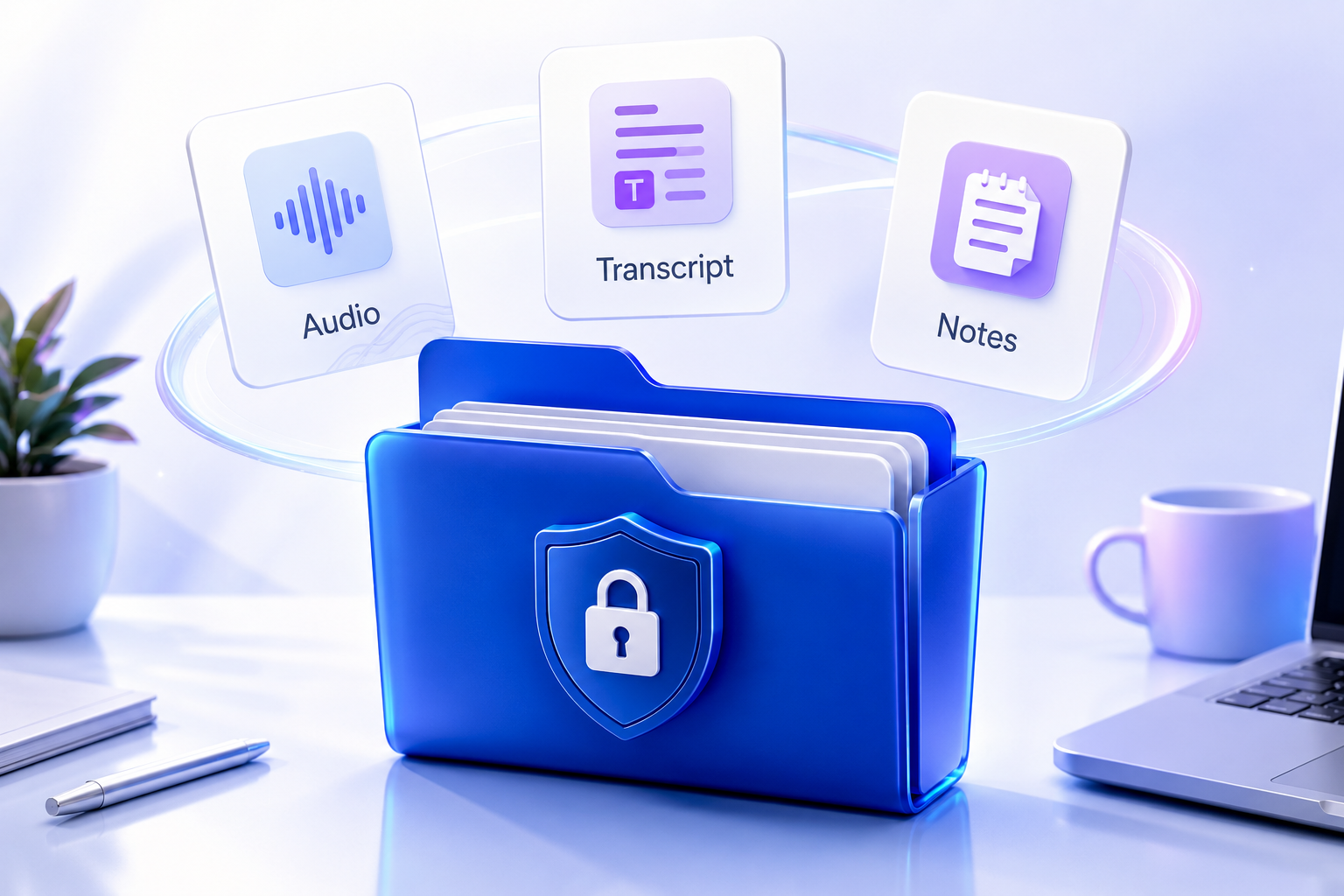
Audio and transcripts stay on your device.
Privacy Mode stores recordings, transcripts, folders, and related data in a local folder on your computer. Your private meeting files stay organized locally and remain under your control.
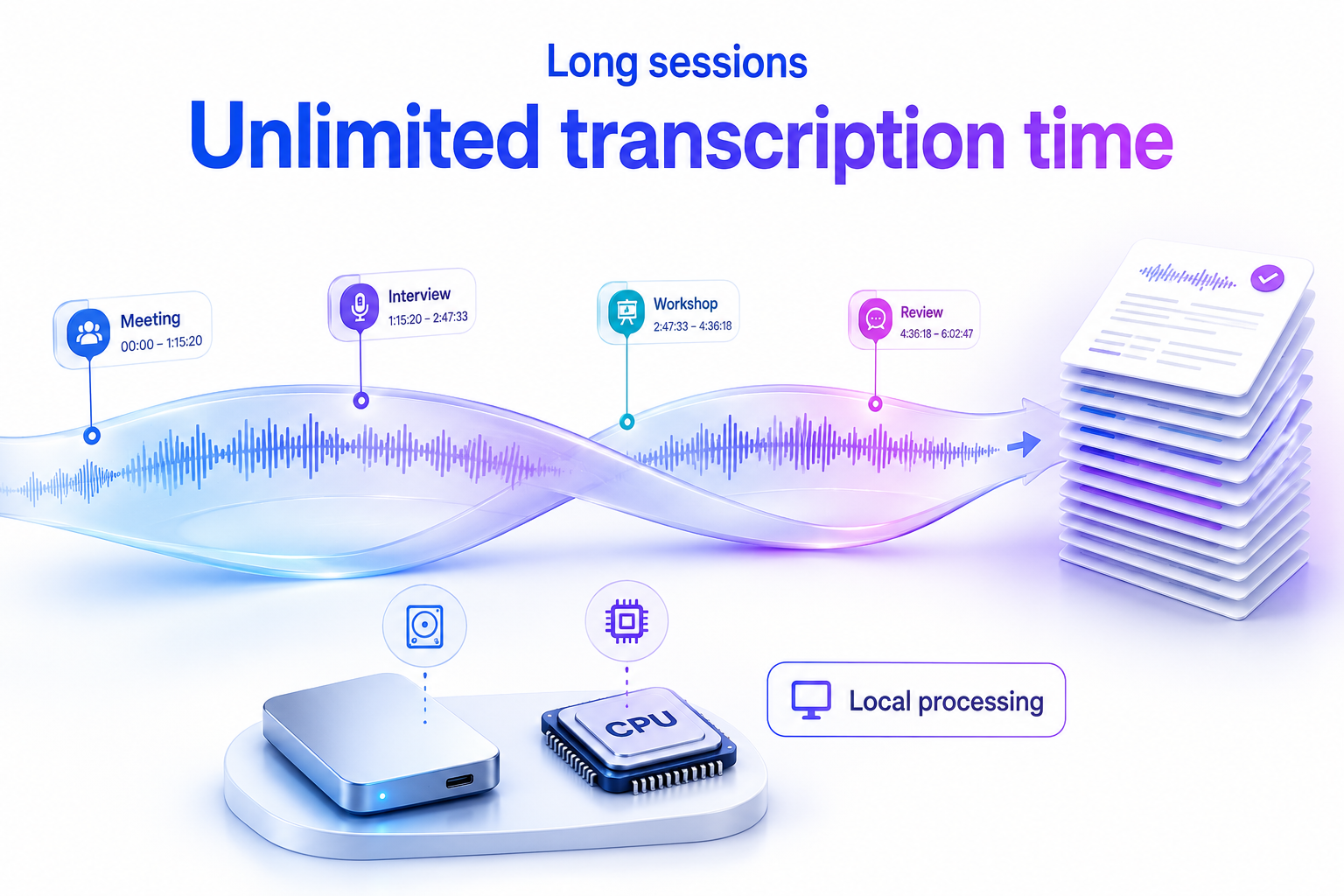
Unlimited local transcription.
For long meetings, interviews, workshops, and review sessions, local transcription gives you more room to work.
Privacy Mode lets you transcribe locally without cloud transcription minute limits.
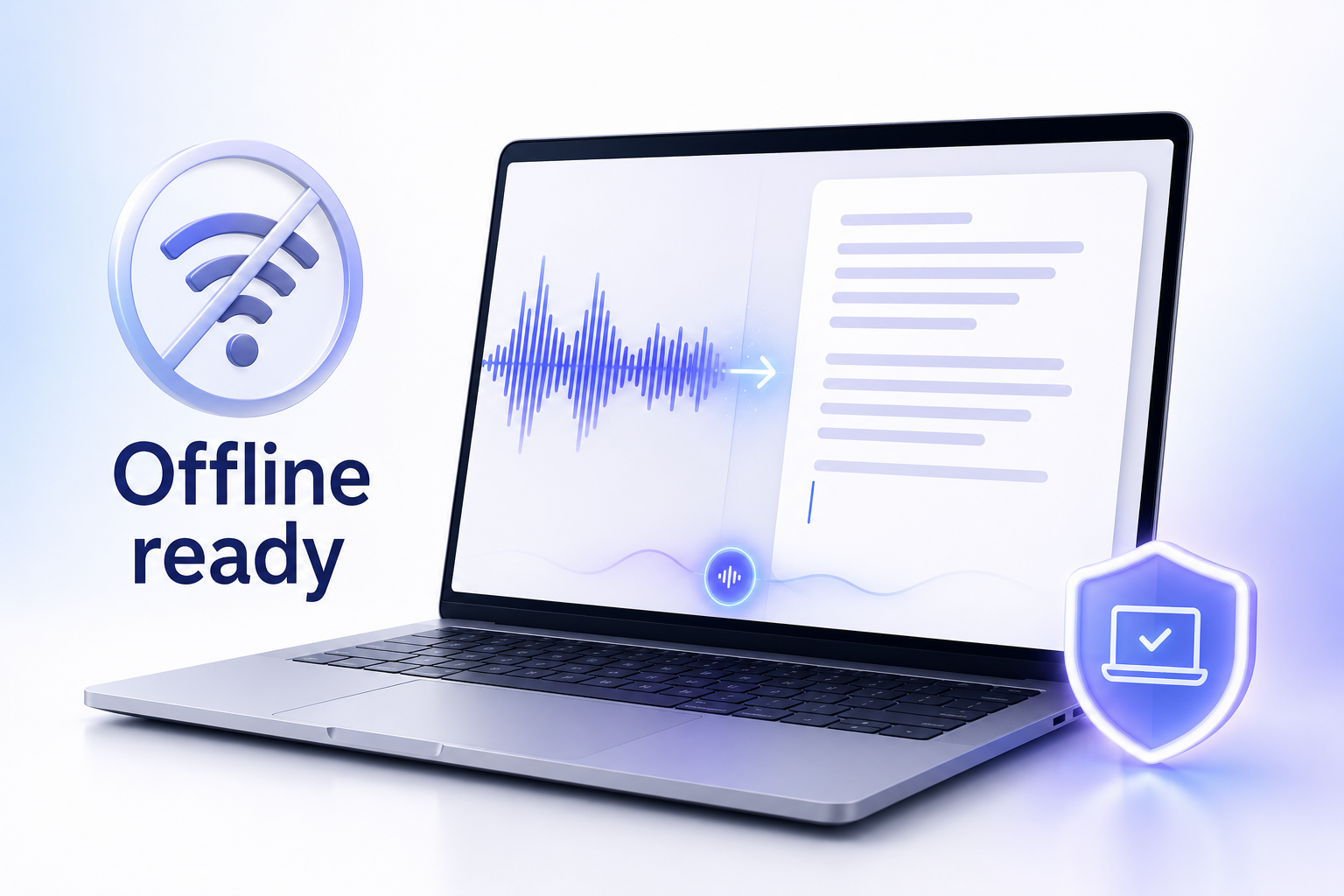
Works offline after local setup.
Once Privacy Mode is set up, it can transcribe without an internet connection. You may still need internet for login, app updates, or standard Notta cloud workflows.
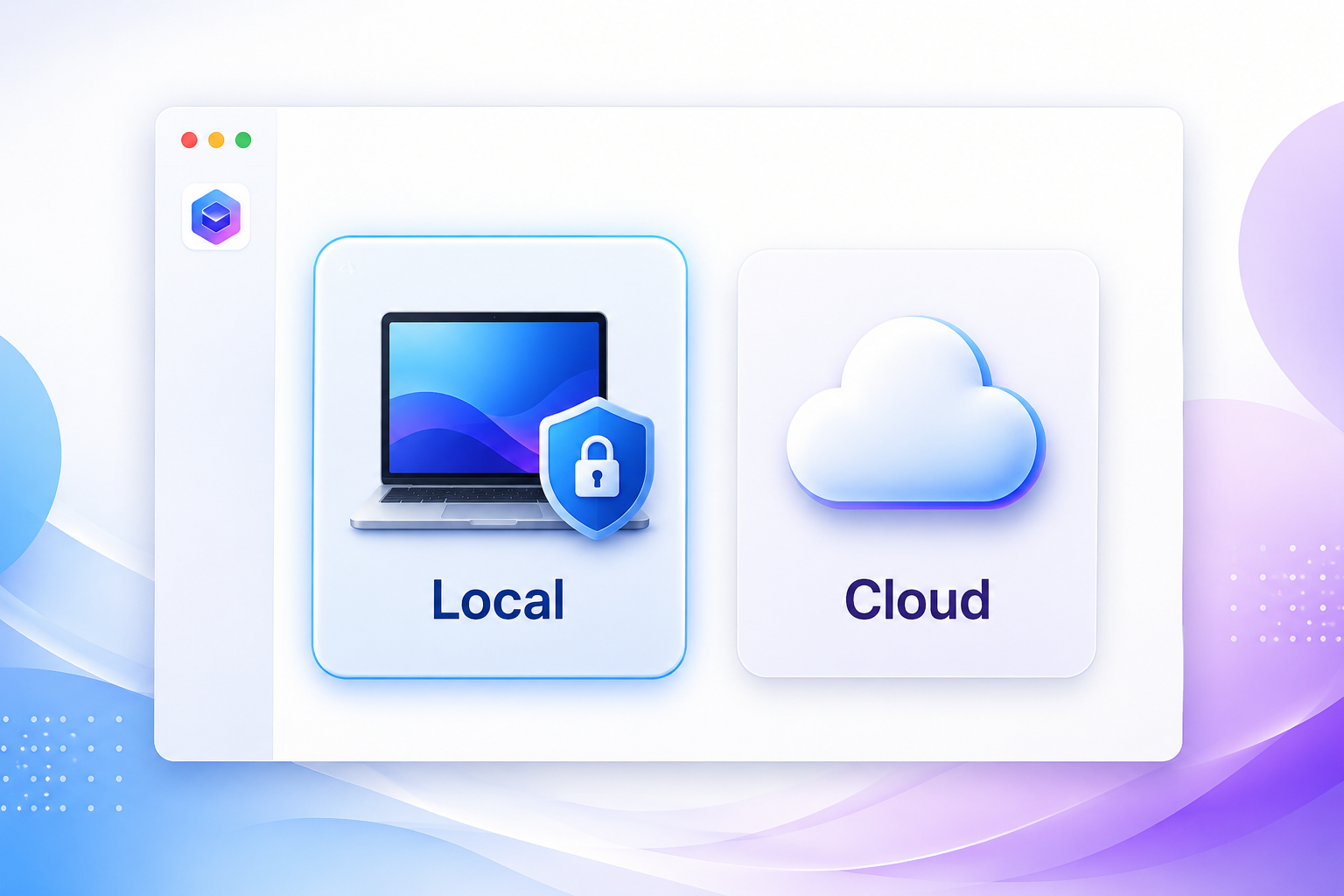
Local or cloud transcription. You choose.
Use Privacy Mode when privacy matters more than maximum accuracy.
Use cloud transcription when the meeting is less sensitive and you need higher accuracy, easier workspace sharing, or standard Notta cloud workflows.
















Who Uses Privacy Mode
Legal and finance reviews
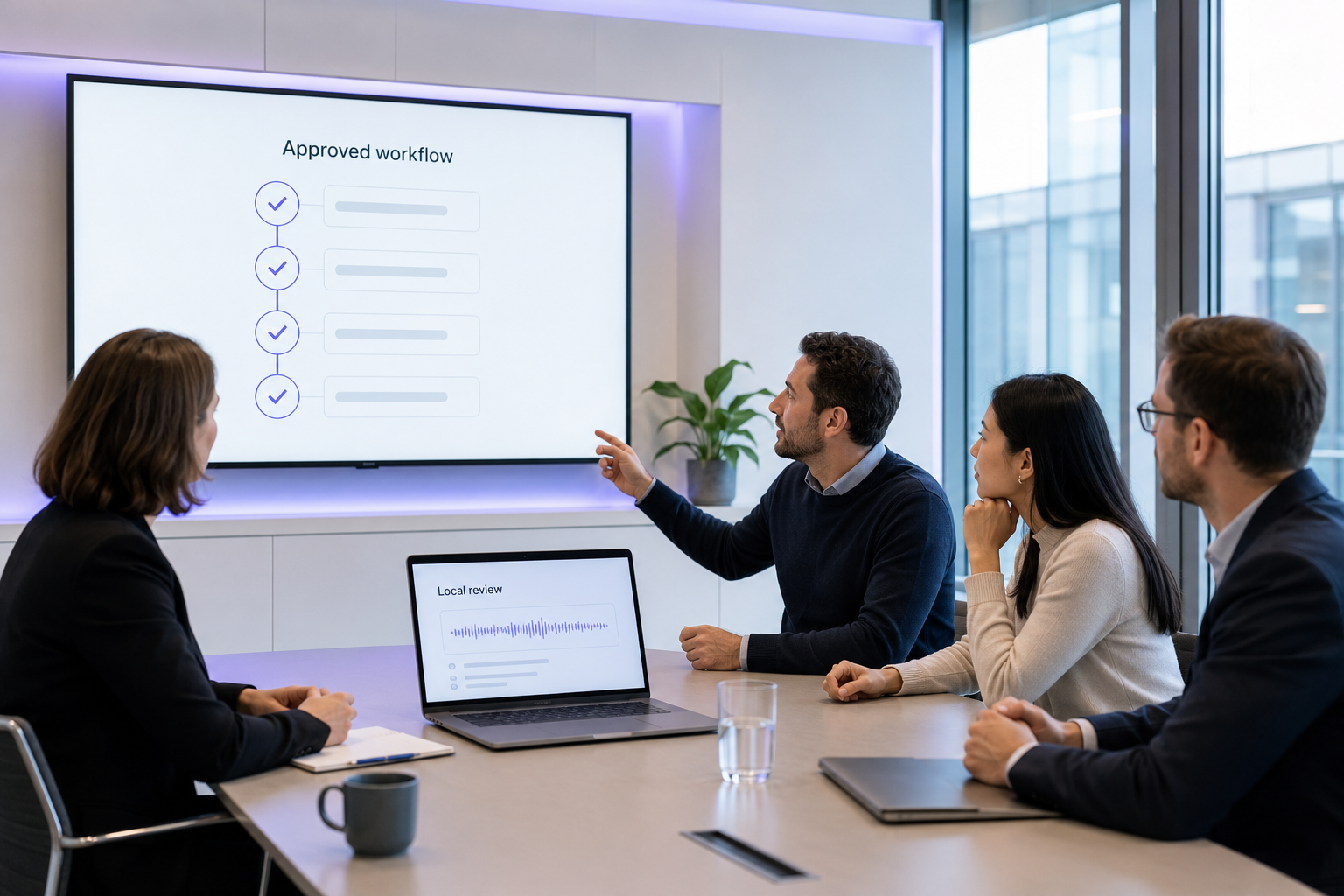
Keep contract reviews, pricing discussions, audits, and case updates local while still getting a searchable transcript.
"The transcript matters. Where it is processed matters too."
Research interviews
Record interviews locally before quotes, notes, or raw data are cleaned, coded, or shared.
"Keep the raw interview close until you are ready to share it."
Teams with recording restrictions
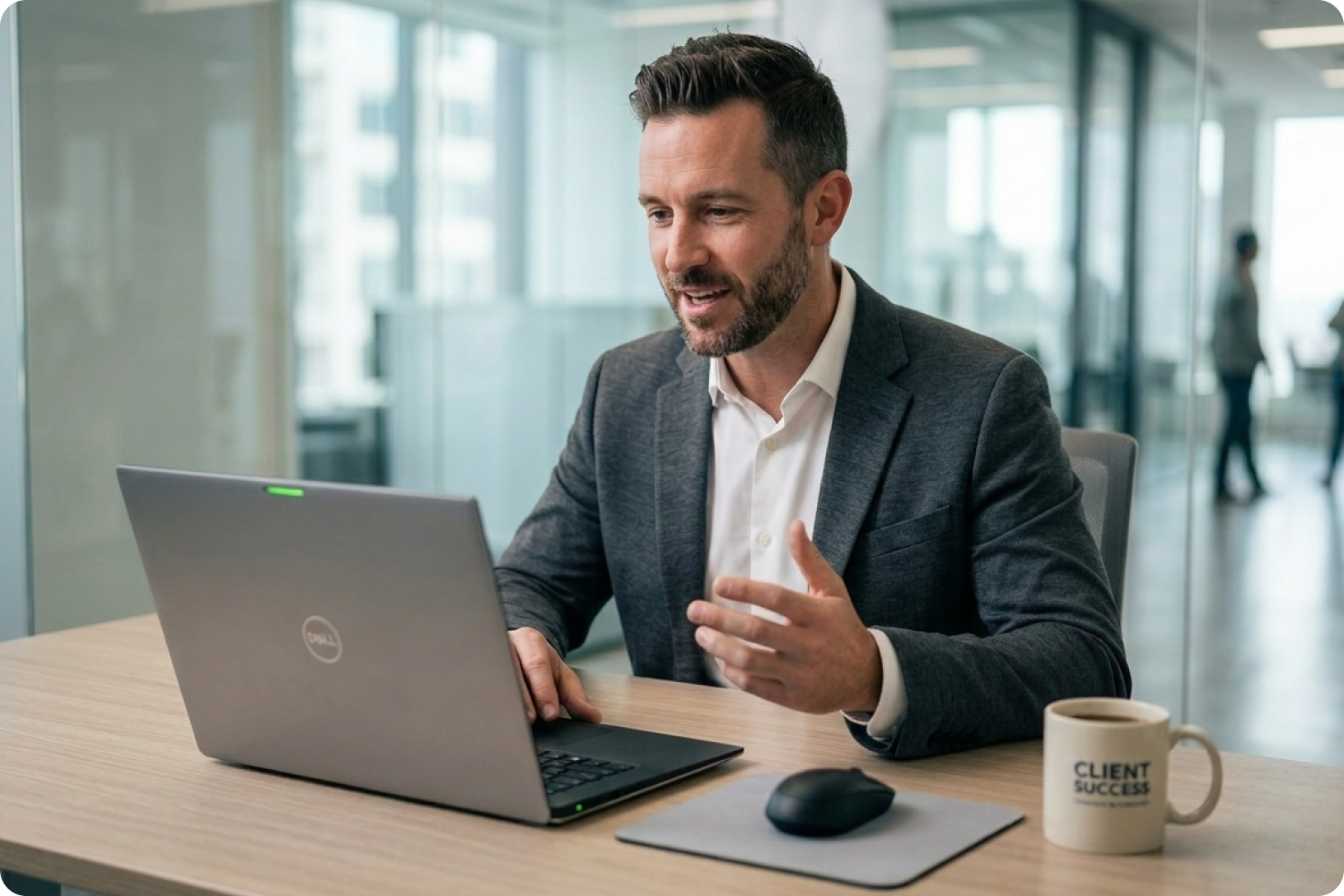
Use a local transcription workflow when company policy limits external meeting bots, cloud recorders, or cloud transcription tools.
"Meeting notes can be useful. But the recording workflow still needs to fit the policy."

Legal and finance reviews
Keep contract reviews, pricing discussions, audits, and case updates local while still getting a searchable transcript.
"The transcript matters. Where it is processed matters too."
Research interviews
Record interviews locally before quotes, notes, or raw data are cleaned, coded, or shared.
"Keep the raw interview close until you are ready to share it."
Teams with recording restrictions
Use a local transcription workflow when company policy limits external meeting bots, cloud recorders, or cloud transcription tools.
"Meeting notes can be useful. But the recording workflow still needs to fit the policy."
FAQs
What is Privacy Mode in Notta Desktop?
Privacy Mode is a local transcription mode inside Notta Desktop. It records and transcribes on your computer, and keeps recordings, transcripts, and related files in local storage.
Is Notta Desktop the same as Privacy Mode?
No. Privacy Mode is one mode inside Notta Desktop. Notta Desktop also supports other workflows, including Bot-Free Recording and standard cloud-based Notta workflows.
How do I turn on Privacy Mode?
Download Notta Desktop.
Create or sign in to your Notta account.
In the top-left corner, click Cloud Mode and switch to Privacy Mode.
Download the offline ASR Engine when prompted.
Stay in Privacy Mode and start recording or transcribing locally on your computer.
Does Privacy Mode upload my audio to the cloud for transcription?
No. In Privacy Mode, transcription is processed locally on your computer. Your audio does not need to be uploaded for cloud transcription.
Where are my recordings and transcripts stored?
Privacy Mode stores recordings, transcripts, folders, and related data in a local folder on your computer. Your private meeting files stay organized locally and remain under your control.
Can Privacy Mode work without internet?
Yes. Once Privacy Mode is set up, it can transcribe locally without an internet connection. You may still need internet for login, app updates, or other Notta cloud workflows.
Which languages does Privacy Mode support?
Language support depends on the local transcription model you choose.
The Local Transcription Model supports auto language detection, Simplified Chinese, English, Japanese, Korean, and Cantonese.
Apple Speech Analyzer is available on macOS 26.0+ and supports Simplified Chinese, English, Japanese, Korean, German, French, Spanish, Italian, Portuguese, Cantonese, and Traditional Chinese. When using Apple Speech Analyzer for file transcription, choose a specific language instead of auto detection.
How accurate is Privacy Mode transcription?
Accuracy depends on the local model, language, audio quality, accent, background noise, and vocabulary.
When available, Apple Speech Analyzer is the recommended local model in Notta Desktop because it is faster and more accurate than the default Local Transcription Model. Third-party benchmarks also show that Apple's on-device SpeechAnalyzer can be highly accurate for clean speech in major languages, with reported word error rates around 4% to 7% in some read-aloud tests.
Does unlimited mean transcription minutes or recording length?
Unlimited refers to local transcription usage. With Pro, Privacy Mode does not consume cloud transcription minutes.
It does not mean every single recording can run without practical limits. Long recordings still depend on your computer's memory, CPU, available storage, and app stability.
The default offline transcription setup requires at least 4 GB RAM and 2 CPU cores. Your local storage directory also needs to be writable and have enough space. If available space drops below 500 MB, Privacy Mode may not work properly; below 1 GB, Notta may show a storage warning.
Long recordings also require more local storage and device resources.
How is Privacy Mode different from Bot-Free Recording?
Bot-Free Recording keeps the meeting experience clean by recording without a visible bot in the participant list.
Privacy Mode keeps the data local by processing recordings and transcripts on your computer.
When should I use Privacy Mode instead of standard cloud transcription?
Use Privacy Mode when local control matters more than cloud sharing or maximum transcription accuracy: legal or finance reviews, research interviews, sensitive client calls, confidential internal discussions, and long sessions where you do not want to rely on cloud transcription minutes.
Use cloud transcription when the content is less sensitive and you need higher accuracy, easier workspace sharing, or standard Notta cloud workflows.
